Last updated: May 15, 2026
TL;DR
People keep asking me how to use source control. Not "what is Git" exactly. More like "I'm building a thing with Claude Code and everyone says I need GitHub, what does that actually mean and what do I do first." This post is the answer I keep typing in DMs, written out once so I can stop typing it. What source control is, the five commands that cover almost everything, why branches and pull requests exist, the small commit-message habit that pays back for years, and what to change once an AI agent is writing code in your repo.
What is source control?
Source control records every change you make to your code, so you can scroll back, compare, undo, and let other people (or AI agents) work on the same project without overwriting each other. The tool underneath is called Git. GitHub is the most popular place that hosts your Git repositories online.
The mental model is a timeline of snapshots. Every time you save a chunk of work, you write a one-line message describing what changed. That snapshot gets a unique ID. You can scroll through the timeline, jump back to any point, fork off a new timeline, then merge timelines back together. That's basically the whole thing.
Without it, one typo can wipe hours of work and you have no way back. With it, every change is recorded, every mistake is reversible, and a bad day on your laptop is just a branch you throw away.
Why GitHub specifically
Git is the protocol. GitHub is the most popular place that speaks it. There are other hosts. GitLab is fine. Bitbucket is fine. Codeberg, Gitea, self-hosted Forgejo all work the same way underneath. I use GitHub because everyone else uses GitHub, the free tier is generous, GitHub Desktop is a friendly UI if you don't want to live in the terminal, and almost every AI coding tool integrates with it by default.
Two more reasons that matter once Claude Code is in your loop. First, GitHub's gh CLI is the cleanest integration surface for an AI agent in a terminal. Claude Code talks to GitHub through gh natively – open a PR, comment on a thread, check CI status, merge – all from the same session, no API token juggling. Pair Claude Code with gh and the agent feels like a teammate using the same tools you would. Second, Copilot's PR code reviews are genuinely useful. They run automatically on every PR, catch the obvious stuff before you read the diff yourself, and add a second pair of eyes on whatever Claude Code just opened. Two AI reviewers checking each other plus a human merge button is a strong loop.
If you're starting from zero, start there. You can migrate later, and the patterns transfer.
The 5 commands that do 90% of source control
Most of us run Git through a UI now. GitHub Desktop, the VS Code sidebar, Cursor, the JetBrains source-control panel. They all wrap the same five commands underneath:
| Command | What it does | When to fire |
|---|---|---|
git clone | Download a copy of a remote repo to your machine | Once, when you start working on a project |
git add | Stage changes you want to include in the next commit | Every time you finish a chunk of work |
git commit | Save a snapshot with a message | After staging, to record the snapshot |
git push | Send your local commits up to GitHub | After committing, to share |
git pull | Bring down changes others made | At the start of every session, before you start |
Clone once. After that, every working session is pull → work → add → commit → push. A normal day runs that loop a dozen times and almost nothing else.
Three more you'll want eventually. git status tells you what changed since your last commit, which I run constantly. git diff shows the actual lines that changed, which I use before I commit to read my own work. git checkout -b new-branch-name makes a new branch and switches to it, which gets its own section below.
Branches: the second-most-important concept after commits
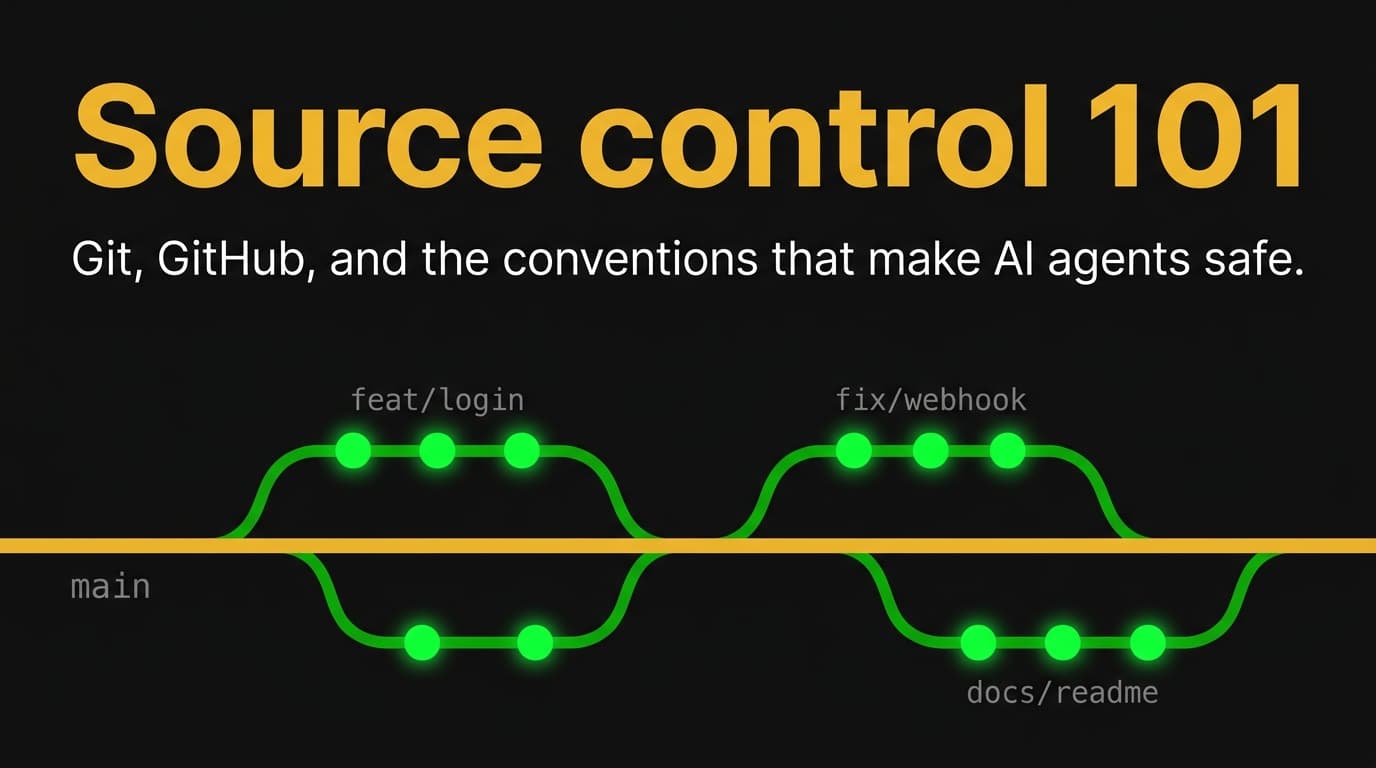
A branch is a parallel timeline. Every repo starts with one branch called main (older repos say master). When you create a branch, you fork off from main, work in isolation, and either merge back when the work is good or throw the branch away when it isn't.
The pattern I follow on every repo, copied from a thousand other people's repos:
main is sacred. It always works. If you clone the repo right now, what you get should run. So you never commit directly to main. You create a branch for every change, name the branch after what you're doing (feat/add-login-page, fix/payment-webhook-retry), commit on the branch as many times as you want, open a pull request to merge it back, and after it's reviewed and merged, you delete the branch.
That's it. The discipline is what protects main. Skip the branching step and a bad commit lands in the version everyone runs.
Pull requests: where work meets review
A pull request is a proposal to merge one branch into another. You open it on GitHub, someone reviews the diff, leaves comments, asks questions, eventually approves. Then you merge.
PRs are the single most important social mechanism in Git. They're where code review happens. Where decisions get written down. Where, if you're using Claude Code, the AI's work gets a human read before it lands.
A good PR has a clear title, a body explaining what the change does and why, a test plan listing what you verified, and a link back to whatever issue scoped the work. A bad PR is titled "Updates" and has a 2,000-line diff. Don't write bad PRs. Your future self reads them more than you'd think.
Conventional commits: a small habit that pays back for years
The format of your commit messages matters more than you'd think. A loose commit history (wip, fixed bug, updates, more updates) is useless six months later. A structured one is searchable, scannable, and turns into release notes for free.
The format I use, from Conventional Commits:
<type>(<scope>): <subject>

<body>

<footer>
Types are feat, fix, chore, docs, refactor, test, perf. Scope is the affected subsystem. Subject is imperative, lowercase, under 72 characters.
feat(auth): add password-reset email flow

Implements forgot-password handler with rate-limited token issuance
and a 24-hour expiry. Email template lives in packages/email.

Refs WOT-12
The body is optional for trivial commits. Required when the why isn't obvious from the diff. The footer references your issue tracker. Together they make git log a readable record of why every line in your codebase exists.
Source control conventions worth stealing
These are from a production AGENTS.md – the file at the root of a repo that tells AI agents how to work in it. The same conventions work whether you're solo, on a team, or letting Claude Code do the work.
Branch naming is <type>/<issue-id>-<short-slug>. So feat/WOT-12-kit-broadcast-image-cards or docs/WOT-31-agents-md-bootstrap. The slug is what makes a branch list readable. git branch should look like a list of changes, not a list of random initials.
Commit messages are <type>(<scope>): <subject> on the first line. Body references the issue: Refs WOT-N for partial work, Closes WOT-N for the commit that genuinely finishes it.
PR bodies always include four things: Closes <issue-id> as the audit reference, a link to the plan or design doc that scoped the work, a test plan listing what you actually verified, and out-of-scope callouts naming anything explicitly deferred to a follow-up.
Squash merge by default. Keeps main linear. Then delete the feature branch after merge. GitHub has a setting that does this automatically. Turn it on.
What changes when you add AI agents (Claude Code) to your workflow
This is the part I want you to take with you if nothing else lands.
Personal admission. These days I let Claude Code handle the commits, the pulls, the pushes, and the pull requests. I just review the PRs. That's the whole workflow now. The branching discipline and the PR review step are what make that comfortable. Without them I'd be reviewing nothing and trusting everything, which is the fastest way to ship a broken main.
Claude Code can write code, run tests, open PRs, and ship changes. All the things a developer does. At the rate of an agent that doesn't sleep. So the risk profile changes.
A misbehaving agent can rewrite hundreds of files before you notice. Source control is your only safety net. Every Claude Code session should start from a clean main, work on a branch, end with a reviewable PR diff. That's the floor.
main discipline matters more, not less. If you let Claude commit directly to main, you've removed the review checkpoint that catches the agent's mistakes. Branch plus PR is not optional.
Commit messages become an audit log. When an agent commits, the message is your only post-hoc record of what it intended. Insist on conventional commits with an issue reference. Refs WOT-12 is the breadcrumb that lets you trace the work back to the brief that scoped it.
PRs become the AI review checkpoint. A human, or another AI agent, reads the diff before it merges. Skip this and you're trusting the agent's claim that the code works.
Honestly: source control is what makes letting an AI agent write code in your repo safe instead of reckless. Without it, you have an autonomous system with no rollback. With it, even a bad agent run is just a branch you delete.
5 mistakes I see vibe coders make
These show up in almost every screenshare with a new builder.
Working directly on main. No branch, no PR, every commit lands in the live version. Fix: create a branch for every change, no matter how small.
Commits called "updates" or "wip." Every commit is a snapshot you might need to read in a year. Fix: conventional commits, every time.
Letting branches pile up. Forty stale branches, half-merged, no one remembers what's in them. Fix: delete branches after merge. For the local leftovers, git fetch -p and git branch -vv | awk '/: gone]/ {print $1}' | xargs git branch -d clears anything whose remote is already gone.
No .gitignore. So node_modules/, .env, .DS_Store, and __pycache__/ all get committed. Fix: add a .gitignore on day one. GitHub's "New repository" flow generates one for your language. Use it.
No PR review, not even a self-review. Open the PR, merge it five seconds later. Fix: at minimum, read your own diff on GitHub before clicking merge. You catch things on the second pass that you missed in the editor. AI agents do too.
A 10-minute setup checklist
If you're starting from zero:
Make a free GitHub account. Install GitHub Desktop if you want a UI, or Git if you want the command line (you can install both). Authenticate however GitHub Desktop walks you through, or set up an SSH key / personal access token for the CLI.
Create a new repository on github.com with a .gitignore for your language and a README.md. Clone it to your machine. Edit any file. Run git status and see it listed as modified. Stage and commit and push: git add ., git commit -m "chore: initial setup", git push. Watch the change appear on github.com.
Then create a branch with git checkout -b feat/first-feature, make another change, push the branch, open a pull request on github.com from your branch into main, read your own diff, and merge. Delete the branch.
That's the whole core loop. Everything else (CI, deploys, code review, Claude Code) sits on top.
What's next
If you're using or evaluating Claude Code, the natural next read is the two prerequisites for Claude Code – source control plus issue tracking. Two together is what makes letting an AI agent work in your codebase safe.
If you want the next layer of source-control discipline, see Compound Engineering for Claude Code + AGENTS.md. That's the file that tells the agent how to use Git the way you would.
The WotAI community on Skool has 760+ builders sharing notes weekly on how they actually ship with Claude Code. Free tier is open.
– Alex
Frequently asked questions
What is source control in simple terms?
Source control records every change to your code as a snapshot, so you can browse the history, compare versions, undo mistakes, and let multiple people work on the same project without overwriting each other. Git is the most widely used source-control tool. GitHub is the most popular host that runs Git. "Source control" and "version control" mean the same thing.
How do I use GitHub for the first time?
Create a free GitHub account, install GitHub Desktop or Git, make a repository on github.com with a README and a .gitignore, clone it to your machine, edit a file, then run git add ., git commit -m "message", and git push to send the change back. That's the full loop. Everything else builds on those four commands plus git clone and git pull.
Do I need to learn the command line to use GitHub?
No. GitHub Desktop, the VS Code source-control panel, and most modern IDEs wrap Git with a UI. You can clone, branch, commit, push, and open pull requests without typing a single command. The five core commands are useful to understand because they explain what the UI is doing, but you don't have to memorize them.
What's the difference between Git and GitHub?
Git is the protocol – the tool that records snapshots, tracks branches, handles merges. GitHub is a hosting service for Git repositories with a web UI, collaboration features, permissions, and integrations. Git runs on your machine. GitHub runs in the cloud. You can use Git without GitHub, but most people use them together.
What is a commit?
A commit is a snapshot of your code at a specific moment, saved with a message describing what changed and a unique ID. Commits live on a branch and form a timeline. Every commit is reversible. Good commits are small, focused, and have a message that explains the why in one line.
What is a branch in Git?
A branch is a parallel timeline of commits. You create one to work on something without affecting the main version of your code, commit as many times as needed, then merge back when the work is ready. The default branch is usually called main. Branches are how teams and AI agents work on the same codebase without colliding.
What is a pull request?
A pull request is a proposal to merge one branch into another, usually a feature branch into main. You open it on GitHub, others review the diff, leave comments, request changes, approve, and merge. PRs are where code review happens, where decisions get documented, and where AI-generated work gets a human sanity check before it lands.
What are conventional commits?
Conventional Commits is a standard format for commit messages: <type>(<scope>): <subject>. The type is feat, fix, chore, docs, refactor, test, or perf. The scope is the affected subsystem. The subject is imperative, lowercase, under 72 chars. The format makes git log searchable, supports automated release notes, and is the convention almost every modern codebase follows.
Why do AI coding agents like Claude Code need source control?
Two reasons. Audit trail – an AI agent can write hundreds of files in one session, and the commit history is your only record of what it did. Safety – source control gives you a rollback button when the agent ships something wrong. Every Claude Code session should start from a clean main, work on a branch, and end with a reviewable pull request.
What's the biggest mistake beginners make with GitHub?
Working directly on the main branch. No branch, no PR, every commit lands in the live version. The fix is simple: create a branch for every change, even tiny ones, and merge through a pull request. This protects main as a known-good state, gives you a review checkpoint, and matches how every professional codebase works.
How do I delete a branch in Git?
After merging through a pull request, delete it on GitHub (the PR page has a "Delete branch" button right after merge). Then locally, git checkout main, git pull, and git branch -d feature-branch-name to remove the local copy. To prune local branches whose remote is gone, run git fetch -p then git branch -vv | awk '/: gone]/ {print $1}' | xargs git branch -d.
What is .gitignore and why do I need one?
.gitignore is a file at the repo root that lists patterns Git should never track – node_modules/, .env, build artifacts, .DS_Store. Without it, you commit gigabytes of dependency code, leak secrets, and clutter the repo. GitHub generates a default .gitignore for your language when you create a new repository. Use it.
Stop guessing. Score your first workflow.
Score one workflow in about five minutes. Nine questions, a grade, and the specific gap holding it back - no call required.
Related Posts
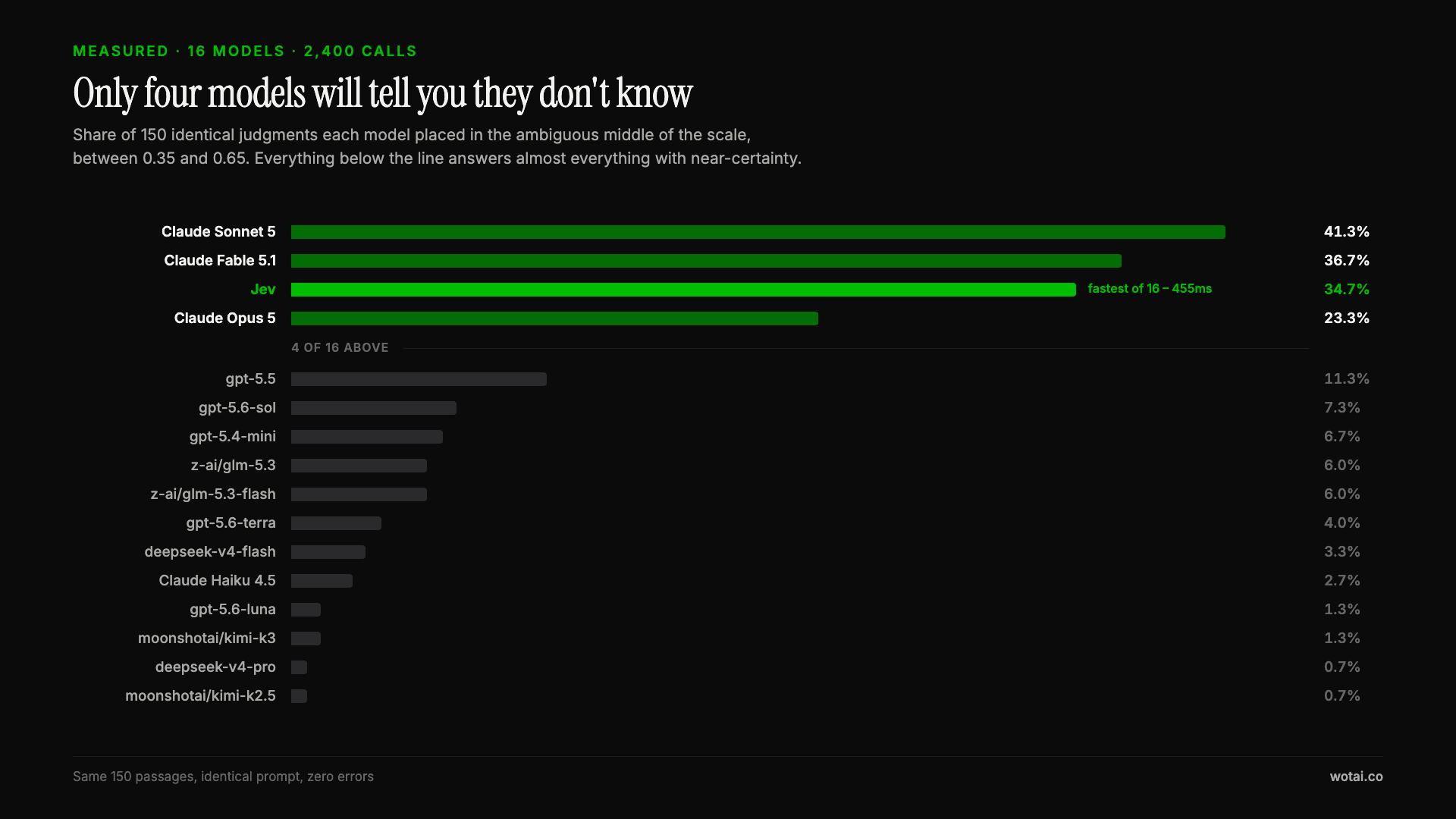
Jev is the only sub-second model that will tell you it doesn't know
Sixteen models on the same 150 passages, plus two more tasks. Only four of the sixteen will say they are unsure, and Jev is the only one of those four that answers in under a second.
AGENTS.md vs CLAUDE.md: which file your agent actually reads
Both files in one repo, measured: load order, token cost, and which one wins when they disagree. Every guide explains the difference; this one runs the test.
Compound engineering vs Superpowers: what each one installs
Both Claude Code plugins installed and measured: 14 skills against 33, one SessionStart hook against none, and the six skills that collide when you run both.