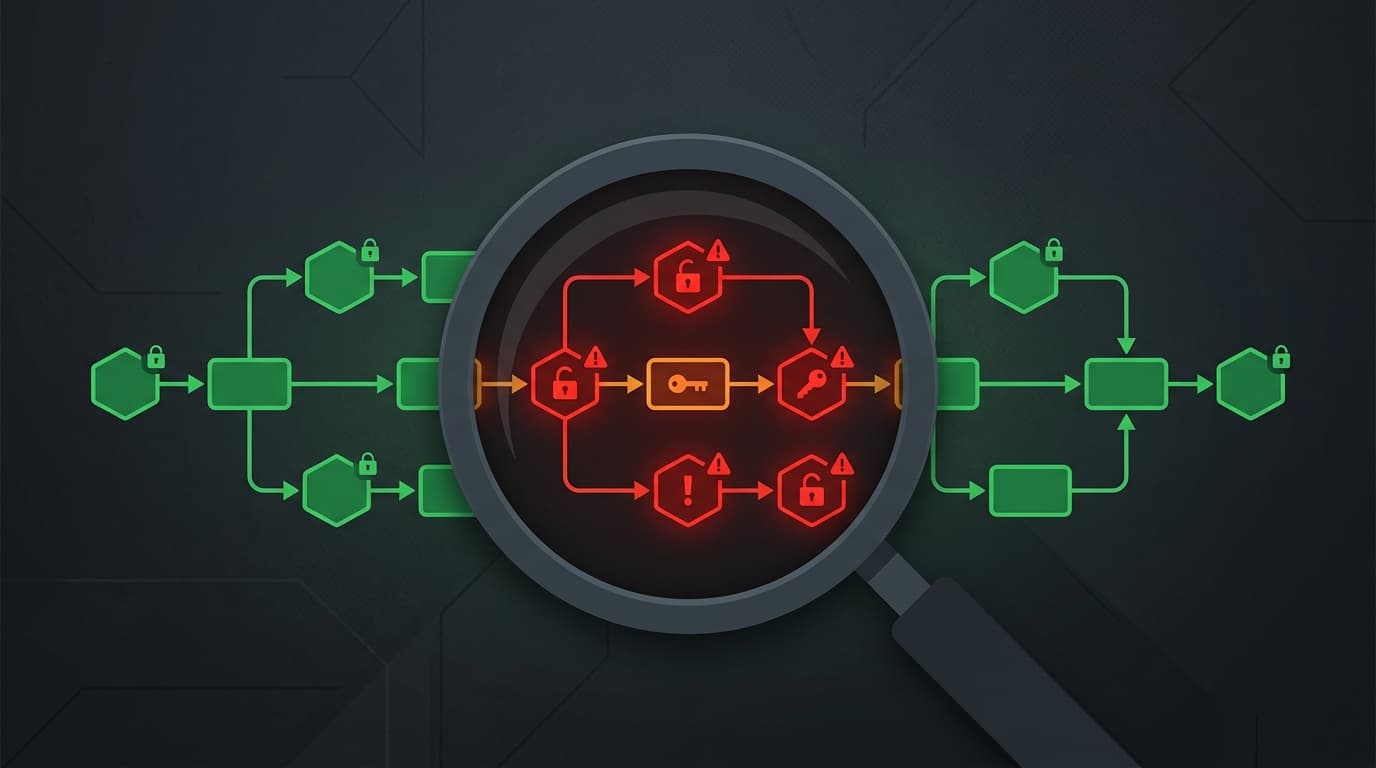
In February 2026, CVE-2026-1470 dropped – a CVSS 10.0 remote code execution vulnerability in n8n's expression evaluation engine. Anyone running an unpatched instance was exposed to complete server takeover.
If that got your attention, good. But here's the harder truth: even after patching that specific CVE, most n8n instances are running workflows with security problems that nobody's checked for.
Exposed API keys in plain text. Webhooks with no authentication. Expressions that execute arbitrary code. Credentials shared across workflows that don't need them. These aren't theoretical risks. They're patterns we've seen across 300+ workflow audits for clients.
This guide walks you through a practical security audit of your n8n workflows – the same checklist we use internally. It takes about an hour for a typical instance and will likely surface issues you didn't know existed.
Before you start: Update n8n
None of this matters if you're running a version with known vulnerabilities. Before auditing your workflows, make sure your n8n instance is on the latest stable release.
Check your version:
# Docker
docker exec n8n n8n --version

# npm
n8n --version
If you're running anything below 2.5.1 (or 1.123.17 for v1), update immediately. CVE-2026-1470 is a critical RCE that affects older versions. We wrote a detailed breakdown of the vulnerability with upgrade instructions.
Once you're patched, start the audit.
The seven-point audit checklist
1. Credential exposure
What to look for: API keys, passwords, tokens, or secrets hardcoded directly in workflow nodes instead of using n8n's built-in credential store.
This is the most common security issue we find. It happens because it's faster to paste an API key directly into an HTTP Request node than to set up a credential properly. But those hardcoded values are:
- Visible to anyone with workflow read access
- Included in workflow exports and backups
- Impossible to rotate without editing every workflow that uses them
- Exposed in execution logs
How to check:
- Open each workflow and look for HTTP Request nodes, Function nodes, and Code nodes
- Search for patterns like
Bearer,api_key,token,password,secret,authorizationin node parameters - Check Function/Code node contents for hardcoded strings that look like credentials
- Review environment variables – are sensitive values in
.envor hardcoded in n8n settings?
Fix: Move every credential into n8n's credential store. Use credential variables to reference them in nodes. For environment-level secrets, use n8n's environment variable support rather than hardcoding values in workflow JSON.
2. Webhook authentication
What to look for: Webhook trigger nodes with no authentication configured.
An unauthenticated webhook is an open door. Anyone who discovers the URL (through server logs, error messages, or brute-forcing) can trigger your workflow with arbitrary data.
How to check:
- Find every Webhook node in your workflows
- For each one, check the Authentication setting
- Verify it's set to something other than "None"
- Check if the authentication method is actually enforced (not just configured but bypassed)
Common authentication options:
- Header Auth – Require a specific header value (good for service-to-service)
- Basic Auth – Username/password (acceptable for internal tools)
- JWT – Token-based auth (best for external integrations)
- IP allowlisting – Restrict which IPs can call the webhook (use alongside other methods, not alone)
For a deeper dive on webhook troubleshooting, see our n8n webhook debugging cheat sheet.
Fix: Add authentication to every webhook. For internal workflows, Header Auth with a strong shared secret is the minimum. For anything exposed to the internet, use JWT or a proper API gateway in front of n8n. Caddy is a solid option – it handles TLS automatically.
3. Expression injection
What to look for: Workflows that pass user-supplied data directly into n8n expressions without sanitization.
This is the vulnerability class that CVE-2026-1470 exploited. n8n expressions are powerful (see our expression cheat sheet for safe patterns) – they can access the filesystem, make network requests, and execute system commands if the sandbox is bypassed.
How to check:
- Trace the data flow from every external input (webhooks, emails, form submissions) through your workflow
- Find places where user input feeds into expressions (the double-curly-brace syntax) without validation
- Look for patterns where
$json.bodyor$json.datafrom a webhook flows directly into an expression in a subsequent node - Check if any Function/Code nodes use dynamic code execution patterns – converting strings to executable code at runtime
Fix:
- Validate and sanitize all external input before using it in expressions
- Use n8n's built-in node operations instead of custom expressions where possible
- Never pass raw user input into Code nodes without explicit type checking
- Keep n8n updated – expression sandbox improvements are ongoing
4. Overprivileged credentials
What to look for: Credentials with broader permissions than the workflow actually needs.
Using an admin-level API key for a workflow that only reads data is a classic principle-of-least-privilege violation. If that workflow is compromised, the attacker gets admin access to whatever service those credentials connect to.
How to check:
- List all credentials in Settings > Credentials
- For each credential, document which workflows use it and what operations those workflows perform
- Compare the credential's permission level against what the workflow actually needs
- Flag any credential that has write/admin/delete access when the workflow only reads
Fix: Create scoped credentials for each use case. If a workflow only reads from Google Sheets, use a credential with read-only Sheets access – not a credential that can access all Google Workspace services. Yes, this means more credentials to manage. That's the tradeoff for not giving every workflow the keys to the kingdom.
5. Error handling and data leakage
What to look for: Workflows that expose internal data, stack traces, or credential fragments in error responses.
When a workflow fails, where does the error go? If it goes back to the webhook caller as an unfiltered error response, you're potentially leaking:
- Internal service URLs and architecture details
- Partial credential values from failed auth attempts
- Database connection strings from failed queries
- File paths and system information from stack traces
How to check:
- Trigger intentional errors in your workflows (bad input, unreachable services)
- Inspect what the error response contains
- Check if error notifications (Slack, email) include raw error details that might contain secrets
- Look for workflows without any error handling – they'll use n8n's default behavior, which may be verbose
Fix: Add Error Trigger nodes to every workflow. Return generic error messages to external callers ("Request failed" not the full connection string or stack trace). Log detailed errors internally for debugging, but don't expose them externally.
6. Execution data retention
What to look for: Execution history containing sensitive data that persists indefinitely.
n8n stores execution data by default – including all input and output data from every node. If your workflows process PII, payment data, health records, or credentials, that data sits in your execution history until someone deletes it.
How to check:
- Go to Settings > Executions
- Check the data retention policy (how long execution data is kept)
- Look at recent executions for sensitive workflows – can you see full customer data, API responses, etc.?
- Check if execution data is included in backups and where those backups are stored
Fix:
- Set a reasonable retention period (7-30 days depending on your compliance requirements)
- Use the "Always save data" setting selectively – not every workflow needs full execution history
- For workflows handling PII, consider using the "Delete executions data" setting
- If you're subject to GDPR, HIPAA, or similar regulations, document your execution data retention policy
7. Network exposure
What to look for: n8n instances accessible from the public internet without proper network controls.
This is the infrastructure layer, but it directly impacts workflow security. A publicly accessible n8n instance with default credentials is an invitation.
How to check:
- Can you access your n8n instance from outside your network? (Try from your phone on cellular data)
- Is the editor behind authentication? (It should always be)
- Is the n8n API accessible? With what authentication?
- Are webhook URLs predictable? (Default UUID-based URLs are generally fine, but custom paths might be guessable)
- Is HTTPS enforced? (Not just available – enforced, with HTTP redirecting to HTTPS)
Fix:
- Put n8n behind a reverse proxy (Nginx, Caddy, Traefik) with TLS
- Use a VPN or IP allowlist for editor access
- Enforce strong authentication on the n8n instance itself
- If webhooks need to be public, ensure they're the only endpoints exposed
- Disable the n8n API if you don't use it, or restrict it with API keys
After the audit: Prioritize and fix
You'll likely find multiple issues. Here's how to prioritize:
| Priority | Fix | Why |
|---|---|---|
| Critical | Hardcoded credentials in workflows | Active exposure – can be extracted from workflow exports |
| Critical | Unauthenticated public webhooks | Open attack surface |
| High | Expression injection paths | RCE risk if combined with sandbox bypass |
| High | n8n version behind latest stable | Known CVEs with public exploits |
| Medium | Overprivileged credentials | Blast radius if compromised |
| Medium | Verbose error responses | Information leakage |
| Low | Execution data retention | Compliance and data hygiene |
Fix critical items immediately. Schedule high and medium items for the next sprint. Add low items to your backlog.
The bigger question: Should you patch or rebuild?
After auditing, you'll face a decision for your worst workflows: fix them or start over.
For workflows with three or four security issues, patching makes sense. For workflows that were built quickly without any security consideration – hardcoded credentials, no error handling, no input validation, open webhooks – it's often faster to rebuild from a secure foundation.
This is where WotAI Flow helps. Instead of reverse-engineering a vulnerable workflow's intent and trying to patch it, describe what the workflow should do and let Flow generate a clean version with proper structure. You'll get validated JSON with correct node types and connection patterns, and you can layer in authentication and error handling from the start rather than bolting it on after the fact.
Three free generations, no credit card: flow.wotai.co
Ongoing security habits
An audit is a point-in-time check. To stay secure:
- Update monthly. Set a calendar reminder. Check release notes for security patches.
- Audit quarterly. Run this checklist every three months, or whenever you add significant new workflows.
- Credential rotation. Rotate API keys and tokens on a schedule. If you can't rotate a credential without editing workflow JSON, it's hardcoded somewhere it shouldn't be.
- Peer review. Before deploying a workflow to production, have someone else review it for security issues. Fresh eyes catch things you've gone blind to.
- Monitor access logs. If your reverse proxy supports it, monitor for unusual webhook traffic patterns – unexpected IPs, high request volumes, scanning behavior.
FAQ
How do I check my n8n version for known vulnerabilities?
Run n8n --version or check the About page in your n8n editor. Compare against the n8n release notes and GitHub security advisories. If you're below version 2.5.1, update immediately – CVE-2026-1470 (CVSS 10.0 RCE) affects older versions.
What is CVE-2026-1470 and does it affect me?
CVE-2026-1470 is a critical remote code execution vulnerability in n8n's expression evaluation engine, scoring CVSS 10.0. It affects n8n versions below 1.123.17 and 2.0.0 through 2.4.4. An attacker can execute arbitrary code on your server by crafting malicious expressions. Update to 1.123.17+ or 2.5.1+ to patch it.
How often should I audit my n8n workflows?
Run a full security audit quarterly and after any major changes – new integrations, new team members with workflow access, or when n8n releases a security advisory. Automate what you can (credential scanning, version checks) and manually review the rest.
Are n8n webhooks secure by default?
No. n8n webhook nodes default to no authentication. Anyone who discovers the webhook URL can trigger the workflow with arbitrary data. Always configure authentication (Header Auth at minimum) for every webhook, especially those exposed to the internet.
How do I secure credentials in n8n?
Use n8n's built-in credential store instead of hardcoding API keys in nodes. The credential store encrypts values at rest and limits access to authorized workflows. For additional security, use environment variables for the n8n encryption key and database credentials, and rotate API keys on a regular schedule.
Can I restrict which users can edit workflows?
Yes. n8n supports role-based access control on paid plans. You can restrict who can create, edit, and execute workflows. On self-hosted community edition, control access at the infrastructure level – VPN, IP allowlisting, and strong instance-level authentication.
What's the biggest n8n security risk most people miss?
Hardcoded credentials in HTTP Request nodes. It's the most common issue we find in workflow audits because it's the fastest way to get something working. But those credentials are visible in workflow exports, execution logs, and backups. Move them to the credential store.
Should I rebuild insecure workflows or patch them?
It depends on how many issues the workflow has. One or two fixable issues? Patch it. Multiple structural problems – hardcoded credentials, no error handling, unauthenticated webhooks, expression injection risks? It's faster to rebuild with proper security from the start. Flow can generate a clean, validated workflow from a plain English description.
Stop guessing. Score your first workflow.
Score one workflow in about five minutes. Nine questions, a grade, and the specific gap holding it back - no call required.
Related Posts
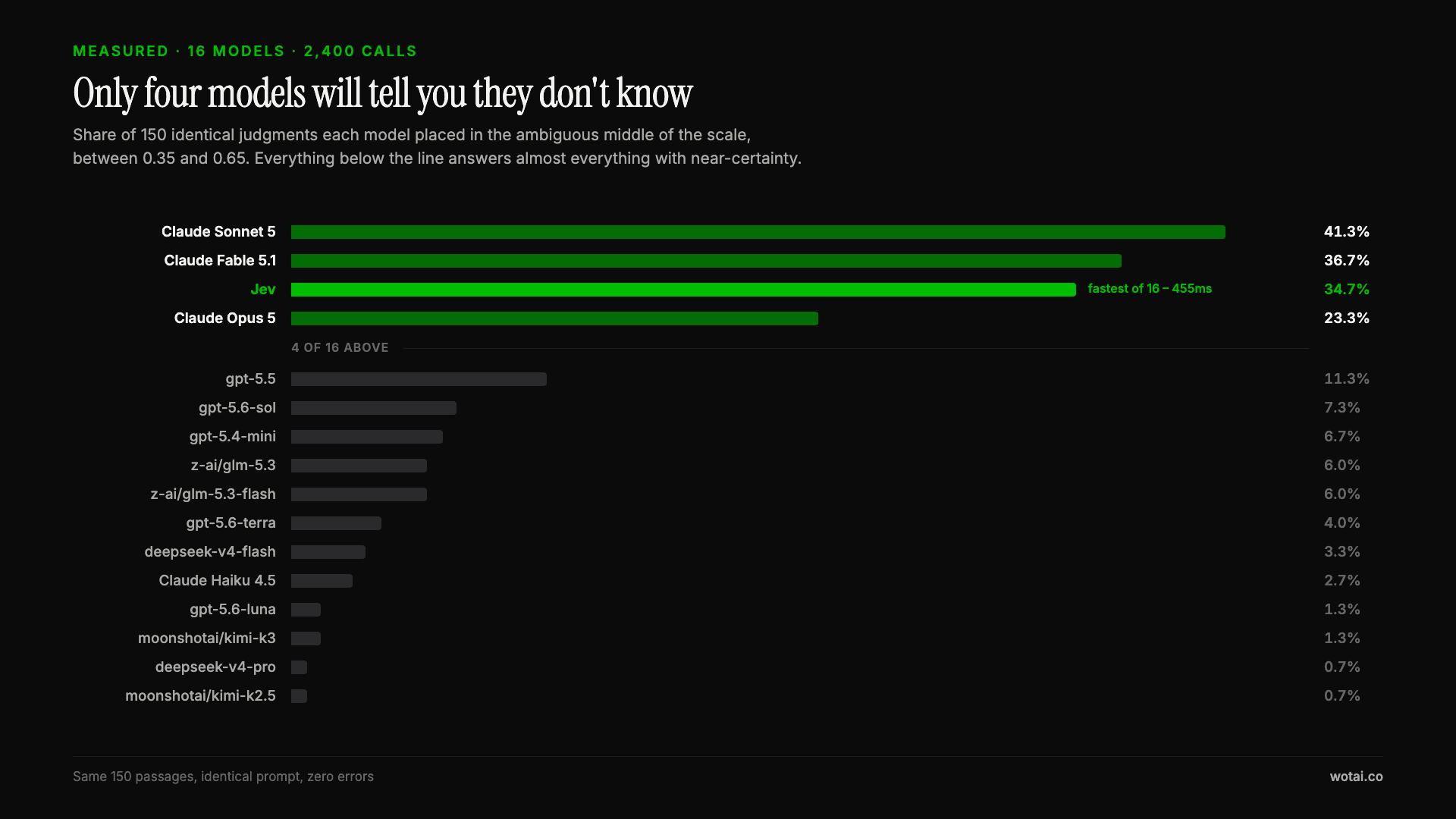
Jev is the only sub-second model that will tell you it doesn't know
Sixteen models on the same 150 passages, plus two more tasks. Only four of the sixteen will say they are unsure, and Jev is the only one of those four that answers in under a second.
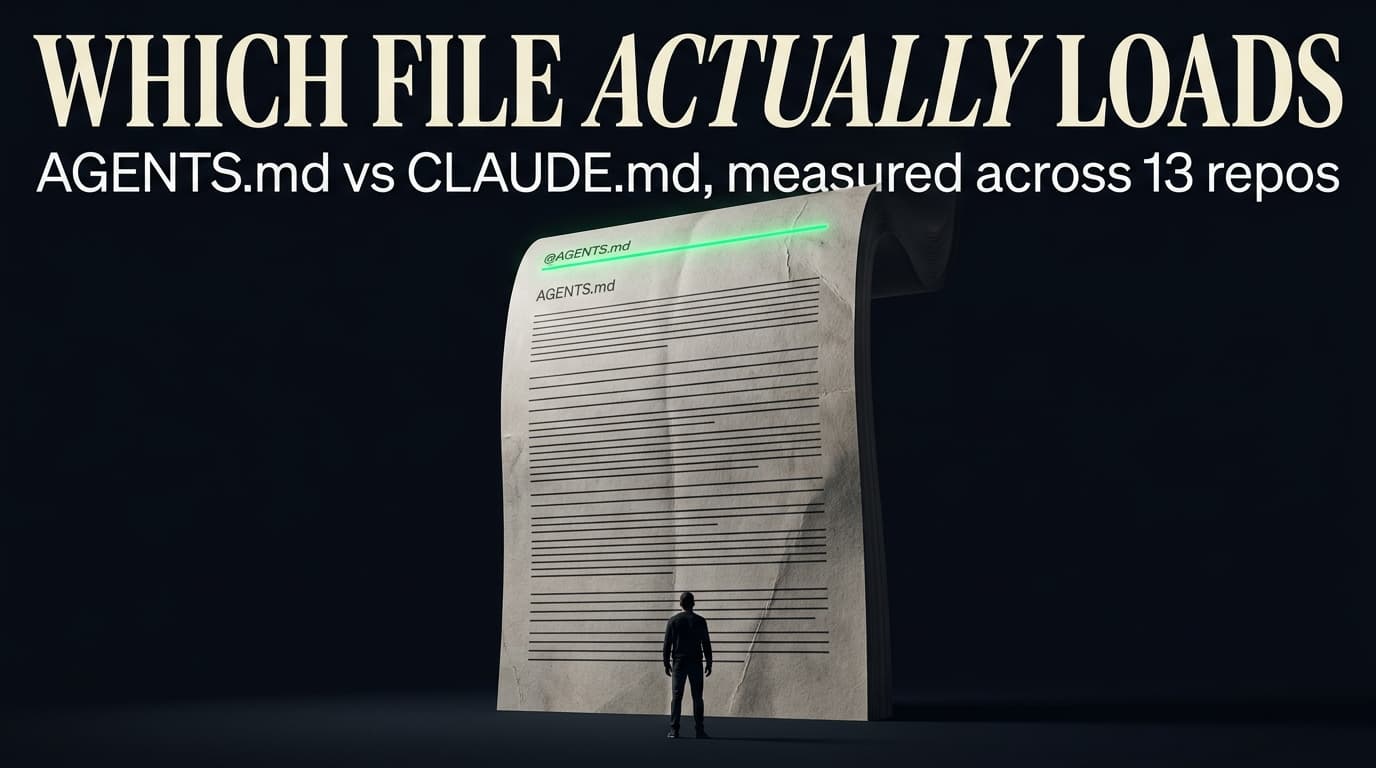
AGENTS.md vs CLAUDE.md: which file your agent actually reads
Both files in one repo, measured: load order, token cost, and which one wins when they disagree. Every guide explains the difference; this one runs the test.
Compound engineering vs Superpowers: what each one installs
Both Claude Code plugins installed and measured: 14 skills against 33, one SessionStart hook against none, and the six skills that collide when you run both.