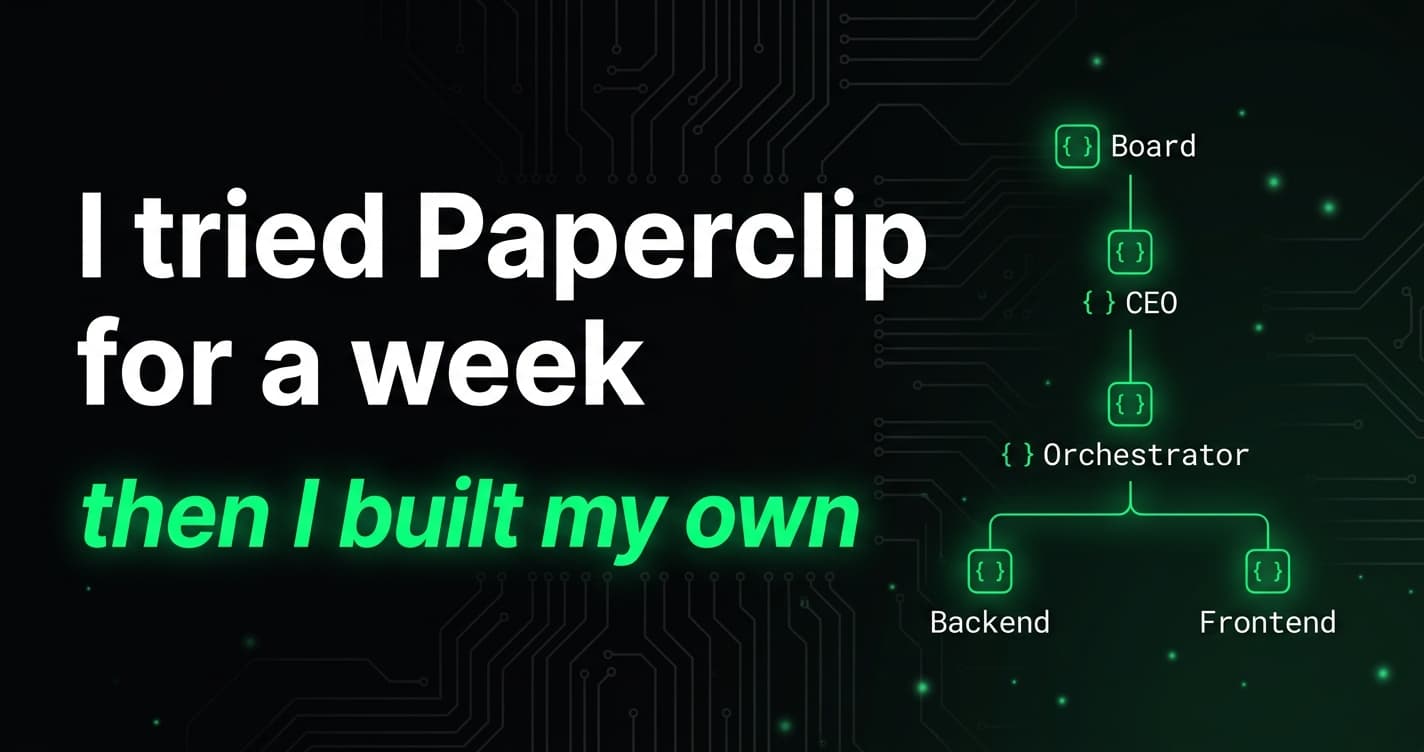
Last week I tried Paperclip – an agent orchestration platform with persona-based routing, structured heartbeats, and a CEO/worker hierarchy. The ideas were great. The execution model wasn't right for me.
Paperclip needs its own API server, its own database, its own process management. I already had Linear for task management and Claude Code for execution. I didn't want another system to run. I wanted the same orchestration patterns wired into the infrastructure I already had.
So I built WoterClip – a Claude Code plugin for multi-agent orchestration that turns Linear into the control plane for your AI coding agent. Same concepts as Paperclip. Zero new infrastructure.
What Paperclip got right (and what it didn't)
Paperclip nails the conceptual model. Personas with SOUL.md files that shape agent identity. A CEO that triages and decomposes work. Workers that execute. Structured heartbeats for audit trails. Escalation chains so the human only gets pulled in for real decisions.
But running it means standing up an API server, a database, and separate agent processes. For a solo founder already deep in Linear and Claude Code, that's a lot of overhead for orchestration.
The real problem isn't the AI – it's everything around the task:
- Picking what to work on next. You open Linear, scan priorities, mentally sort by urgency, then tell Claude what to do.
- Switching context. Backend work needs different tools and thinking than frontend work. You're the one loading the right context each time.
- Reporting progress. When did the agent finish? What did it change? You dig through git logs and terminal history to reconstruct the story.
- Escalating blockers. The agent hits a wall – missing API key, ambiguous requirements, a decision only you can make. It sits there waiting until you notice.
Paperclip solves all of this. I just wanted it solved with the tools I already had.
How WoterClip works
WoterClip uses what you already have – Linear issues and Claude Code – and wires them together:
Linear Issues → /heartbeat → Persona Matching → Work → Report Back to Linear
That's the entire architecture. No server. No database. No separate processes. It's a Claude Code plugin made entirely of markdown and YAML.
How it works
1. Issues live in Linear. You create issues the way you normally do. Add a persona label – backend, frontend, ceo – to tell WoterClip who should handle it.
2. The heartbeat picks up work. Run /heartbeat manually or schedule it to run every 15–60 minutes. WoterClip queries your Linear inbox, sorts by priority, and picks the highest-priority issue.
3. Personas shape behavior. Each persona is a directory with three files:
| File | What It Does |
|---|---|
SOUL.md | Identity, voice, decision framework – injected into Claude's context |
TOOLS.md | Available tools and how to use them |
config.yaml | Model, thinking budget, max turns, required MCP tools |
A backend persona runs on Opus with 300 turns and needs database tools. A frontend persona runs on Sonnet with 200 turns and needs browser automation. Same Claude instance, different hat.
4. Work gets done and reported. WoterClip locks the issue (agent-working label), does the work following persona instructions, then posts a structured comment with what changed, what commits were made, and whether there's more to do.
5. Blockers escalate automatically. If the agent can't proceed, it labels the issue agent-blocked, posts a comment explaining why, and @-mentions you (the Board). You unblock it, the next heartbeat picks it back up.
The persona hierarchy
WoterClip keeps Paperclip's hierarchy – the part that worked best:
Board (you) ← ultimate escalation target
  └── CEO ← strategy, prioritization, architecture decisions
        └── Orchestrator ← mechanical routing and triage
              └── Worker personas ← backend, frontend, etc.
Two roles handle coordination – and the split matters:
The Orchestrator is the default persona. It runs on Haiku (fast, cheap) with 50 turns. When an unlabeled issue lands in the queue, the Orchestrator reads it, applies the right persona label, and moves on. **Triage:** → backend. That's it. No strategic thinking, no scope decisions. Pure routing.
The CEO handles everything the Orchestrator can't. Prioritization calls. Architecture decisions. Scope definition. Cross-cutting work that spans multiple personas. When the Orchestrator sees something that needs judgment – large scope, unclear requirements, strategic direction – it routes to the CEO instead of guessing.
You file one issue: "Add Stripe webhooks for subscription lifecycle events." The Orchestrator sees multi-persona work and routes it to the CEO. The CEO decomposes it into backend work (webhook handlers, database schema), frontend work (subscription status UI), defines the sequencing, and flags a question about which events you actually need.
Workers escalate to the CEO. The CEO escalates to you (the Board). The chain of command means you only get pulled in for decisions that actually need a human.
What you get out of the box
Run /woterclip-init in any repo. You get:
.claude/woterclip/
├── config.yaml              # Linear settings, heartbeat behavior
└── personas/
    ├── orchestrator/        # Mechanical routing (Haiku, 50 turns)
    ├── ceo/                 # Strategy and scope decisions (Sonnet, 100 turns)
    ├── backend/             # Server-side implementation (Opus, 300 turns)
    └── frontend/            # UI and components (Sonnet, 200 turns)
Plus Linear labels created automatically in a "WoterClip" group.
The defaults work. You can also create custom personas with /persona-create – a QA persona, a docs persona, a DevOps persona. Whatever your project needs.
A typical day with WoterClip
Morning: You review Linear, set priorities, file a few issues. Label the ones that are ready for the agent.
Every 30 minutes: The scheduled heartbeat runs like a background agent, picking up the next issue automatically. Your Claude Code agent team handles the work – backend persona on API tasks, frontend persona on UI, CEO decomposes anything ambiguous.
When you check in: Linear comments show exactly what happened – heartbeat number, commits, duration, sub-issues created, blockers hit. Full audit trail without asking "what did you do?"
When you're blocked: The agent-blocked label and @-mention grab your attention. You answer the question in a Linear comment. Next heartbeat picks it back up.
You're managing work through Linear, not through Claude's terminal.
Why a Claude Code plugin instead of code?
WoterClip has no runtime code. No TypeScript. No build step. No dependencies.
The entire system is markdown files (skills, personas, references) and YAML (config). Claude Code reads the skill files and follows them as procedures, using Linear MCP for issue management and standard repo tools for implementation.
This matters because:
- Install is one command. Install the Claude Code plugin with
claude plugin add wotai-dev/woterclipand you're done. - Customization is editing text files. Want a different CEO personality? Edit
SOUL.md. Want to change the heartbeat procedure? EditSKILL.md. - No maintenance burden. No packages to update, no breaking changes from dependency upgrades, no build pipeline.
- It works everywhere Claude Code works. CLI, desktop app, IDE extensions. Same plugin, same behavior.
Compared to other approaches
| Approach | Setup | State Management | Escalation | Audit Trail |
|---|---|---|---|---|
| Manual Claude Code | None | You remember | You notice | Terminal history |
| Custom agent scripts | Hours–days | Custom database | Custom logic | Custom logging |
| Paperclip | API server + database | Paperclip API | API-based | API-based |
| WoterClip | /woterclip-init | Linear labels | Linear comments + @-mention | Linear comments |
WoterClip trades Paperclip's flexibility for radical simplicity. If you're already in Linear and Claude Code, there's nothing new to run or maintain.
Getting started
Prerequisites
- Claude Code installed
- Linear MCP connected
- A Linear workspace with at least one team
Install
# Install the plugin
claude plugin add wotai-dev/woterclip

# Initialize in your repo
/woterclip-init

# Run your first heartbeat
/heartbeat

# Or schedule recurring heartbeats
/schedule 30m /heartbeat
Commands
| Command | What It Does |
|---|---|
/heartbeat | Run one heartbeat cycle |
/heartbeat --dry-run | See what would be picked up |
/woterclip-status | Current queue, blocked issues, recent activity |
/persona-create | Create a custom persona |
/persona-list | List configured personas |
What's next
WoterClip v1 is intentionally minimal. The things we're thinking about:
- Multi-repo coordination – one CEO persona overseeing work across repos
- Smarter scheduling – adjust heartbeat frequency based on queue depth
- Persona marketplace – share and install community-built personas
- Metrics dashboard – cycle time, resolution rate, escalation frequency
But the foundation is right: Linear as the control plane, personas as the context layer, heartbeats as the execution loop. Everything else builds on that.
Frequently asked questions
What is WoterClip? WoterClip is an open-source Claude Code plugin that turns Linear into an agent orchestration layer. It uses persona-based routing to let a single Claude instance handle different types of work – backend, frontend, strategic decisions – based on Linear issue labels.
How is WoterClip different from Paperclip? WoterClip takes Paperclip's best ideas (persona routing, CEO/worker hierarchy, structured heartbeats) and rebuilds them as a Claude Code plugin backed by Linear. No API server, no database, no separate processes – just markdown and YAML files.
Do I need to write code to use WoterClip? No. WoterClip has zero runtime code. The entire plugin is markdown files (skills, personas) and YAML (config). You customize it by editing text files, not writing TypeScript.
What are personas in WoterClip? Personas are directories with three files: SOUL.md (agent identity), TOOLS.md (available tools), and config.yaml (model, turn budget). Each persona shapes how Claude behaves for a specific type of work. The default personas are Orchestrator, CEO, Backend, and Frontend.
What's the difference between the Orchestrator and CEO personas? The Orchestrator handles fast mechanical routing – it reads an issue, applies the right label, and moves on (Haiku, 50 turns). The CEO handles strategic decisions: prioritization, architecture, scope definition, and task decomposition (Sonnet, 100 turns).
What do I need to run WoterClip?
Claude Code installed, Linear MCP connected, and a Linear workspace with at least one team. Install the plugin, run /woterclip-init, and you're ready.
Can I create custom personas?
Yes. Run /persona-create to make a new persona interactively, or copy an existing persona directory and edit the files. Common additions include QA, DevOps, and Docs personas.
Is WoterClip free? Yes. WoterClip is MIT licensed and fully open source at github.com/wotai-dev/woterclip.
Open source
WoterClip is MIT licensed and lives at github.com/wotai-dev/woterclip. PRs welcome – especially new persona templates.
WoterClip came from the same place as everything we build at WotAI: we needed it ourselves. After shipping 300+ automation workflows for clients, we know the hardest part isn't getting AI to do the work. It's getting AI to do the right work, at the right time, without you standing over its shoulder.
If you're already using Claude Code and Linear, give it a try. /woterclip-init takes about two minutes. Your first heartbeat will show you whether this fits how you work.
WoterClip is built by WotAI – AI Automation that Actually Ships.
Stop guessing. Score your first workflow.
Score one workflow in about five minutes. Nine questions, a grade, and the specific gap holding it back - no call required.
Related Posts
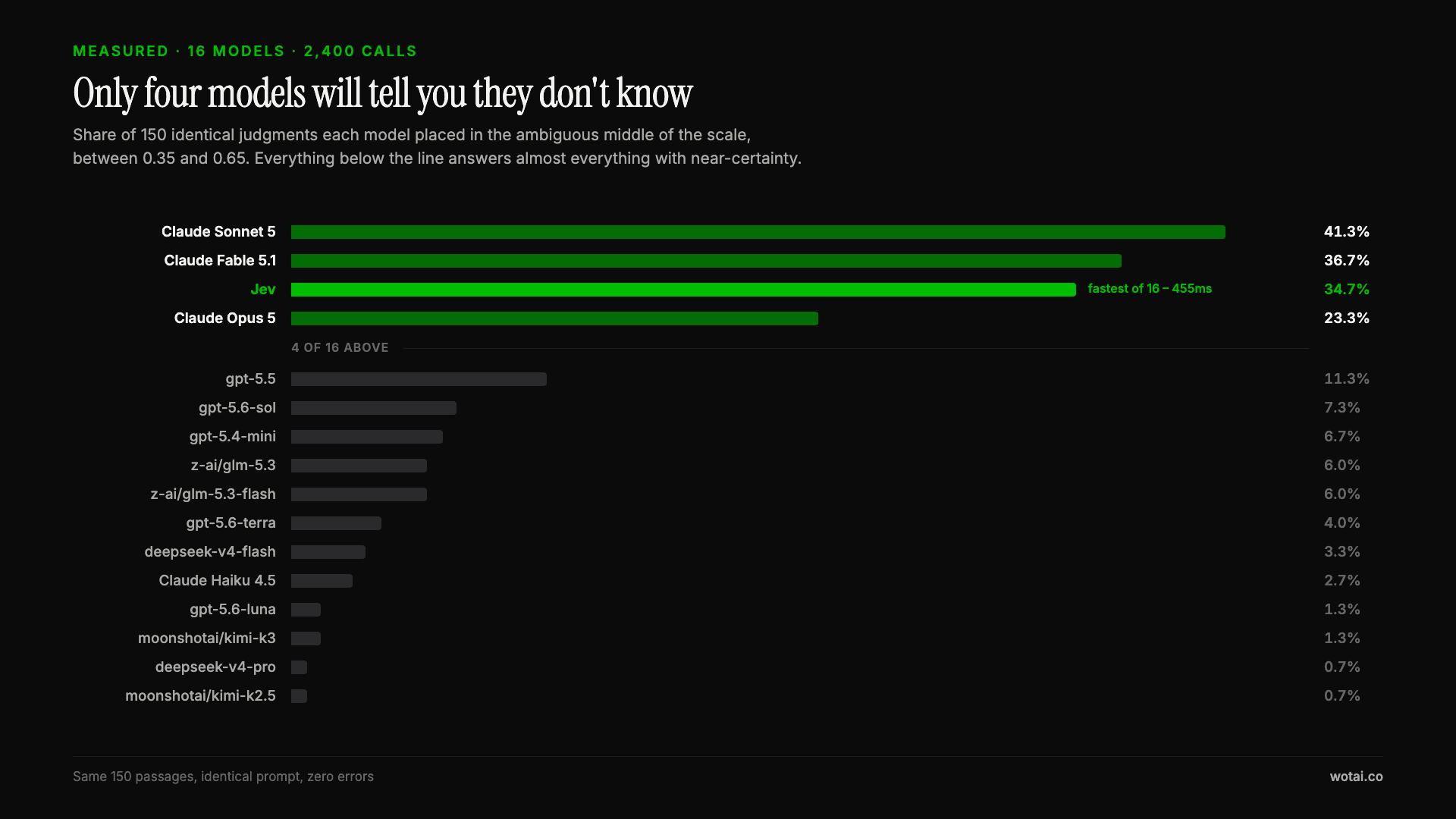
Jev is the only sub-second model that will tell you it doesn't know
Sixteen models on the same 150 passages, plus two more tasks. Only four of the sixteen will say they are unsure, and Jev is the only one of those four that answers in under a second.
AGENTS.md vs CLAUDE.md: which file your agent actually reads
Both files in one repo, measured: load order, token cost, and which one wins when they disagree. Every guide explains the difference; this one runs the test.
Compound engineering vs Superpowers: what each one installs
Both Claude Code plugins installed and measured: 14 skills against 33, one SessionStart hook against none, and the six skills that collide when you run both.