Last updated: June 2, 2026
TL;DR
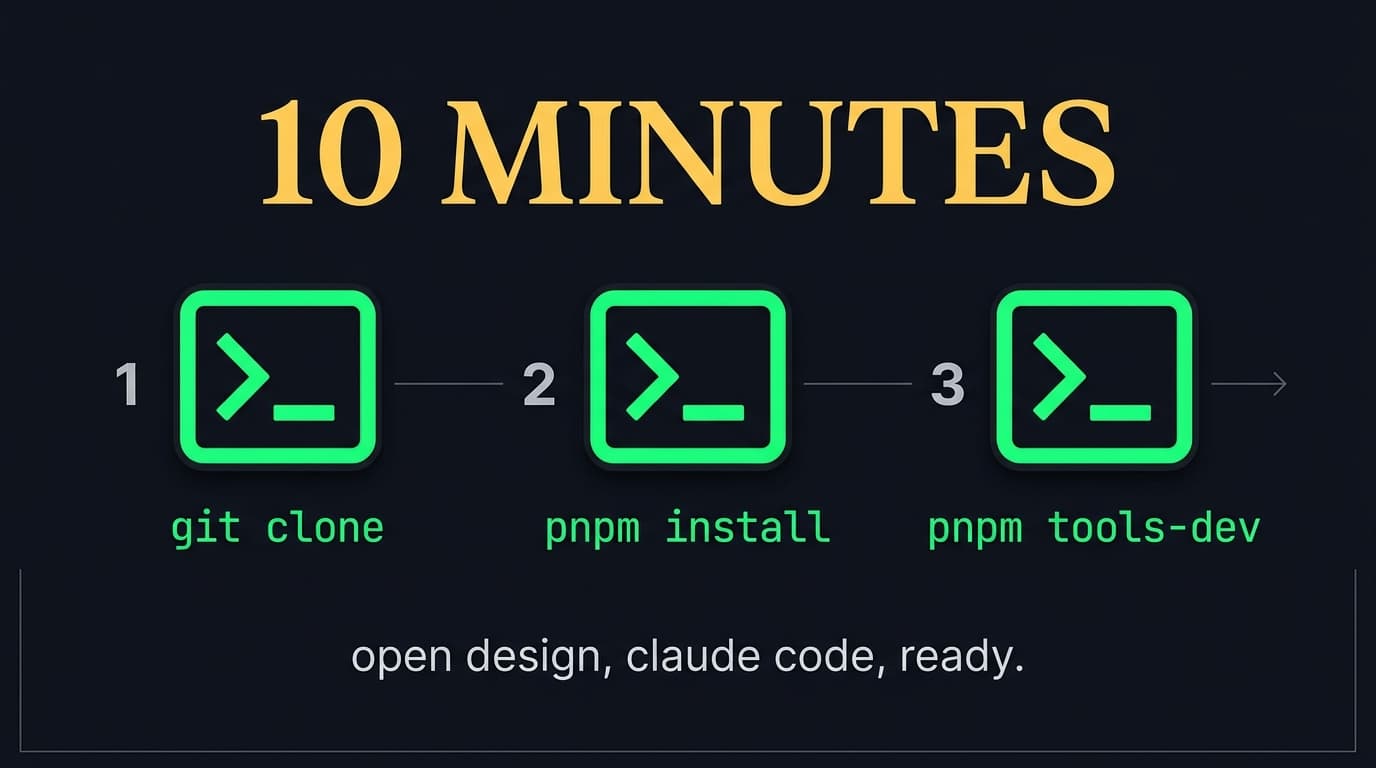
You'll have Open Design running in 10 minutes with Claude Code as the engine. Install Node 24, enable Corepack, clone the repo, run pnpm tools-dev, open localhost, type your first brief. Skip down to the install steps if you already have Node and pnpm sorted. Skip down to troubleshooting if you're hitting the PATH-detection issue (it's the #1 cause of "CLI not installed" errors).
Why this guide leads with Claude Code
Open Design auto-detects 16 different coding-agent CLIs on your PATH and lets you swap engines with one click. So why anchor a setup guide to a specific one?
Three reasons. First, Claude Code is what WotAI's audience (SMB operators and builders) already runs daily. The existing Claude Code workflow already handles commits, pulls, pushes, and PRs (detail here). Second, Anthropic's Opus 4.7 is the strongest available model for the kind of structured-artifact generation Open Design's skills are written against. Third, a single-engine guide is faster to follow than a "pick your own adventure" matrix. Once you have Open Design running on Claude Code, swapping to Cursor, Codex, Gemini CLI, or any of the other 13 takes one click in the daemon's Settings panel.
If you don't have a CLI installed at all, scroll to the BYOK fallback section.
Prerequisites
Three things, in order:
| Tool | Version | Why |
|---|---|---|
| Node.js | 24.x (enforced by package.json#engines) | Open Design's daemon is a Node app |
| pnpm | 10.33.2 (pinned via packageManager) | Workspace manager; auto-selected by Corepack |
| Claude Code | latest stable | The agent CLI that drives generation |
If you already have Node 24 and pnpm sorted, skip to Install.
Install Node 24
The cleanest path is fnm (or nvm if you already have it):
# fnm – fast Node Manager
fnm install 24
fnm use 24

# nvm – Node Version Manager (alternative)
nvm install 24
nvm use 24
Verify: node --version should print v24.x.x.
Enable Corepack (selects the right pnpm automatically)
corepack enable
corepack pnpm --version   # should print 10.33.2
If corepack pnpm --version prints anything other than 10.33.2, you're not in a directory with the repo's package.json yet. That's fine – Corepack picks up the pinned version when you enter the repo. Just keep going.
Install Claude Code
If you don't have it:
# macOS / Linux
curl -fsSL https://claude.ai/install.sh | sh

# verify
claude --version
Follow the auth flow when prompted. The CLI needs to be available on your PATH for Open Design's daemon to detect it (more on that in Troubleshooting).
Install
Three commands.
# 1. Clone
git clone https://github.com/nexu-io/open-design.git
cd open-design

# 2. Install dependencies
corepack enable
pnpm install

# 3. Start daemon + web (foreground, for first-run visibility)
pnpm tools-dev run web
The last command boots the local daemon plus the web layer in the foreground. Watch the terminal for the URL it prints – usually http://localhost:5173 or similar. Open it in a browser.
For background runs with the desktop shell too:
pnpm tools-dev # daemon + web + desktop, backgrounded
First generation
Three more steps inside the UI:
- Pick a skill. The entry view shows the skill picker grouped by scenario (design / marketing / operation / engineering / product / finance / hr / sale / personal). For your first run, pick
saas-landing– fastest payoff, most familiar shape. - Pick a design system. 150 are bundled. For your first run, pick
linearorstripe– both produce confident, clean outputs that don't surprise. - Type your brief. Open Design forces a 30-second discovery form before the model writes a pixel: surface, audience, tone, brand context, scale. Fill it in honestly – vague briefs produce vague output. Submit.
The agent panel will stream a TodoWrite plan, pick one of five visual directions (Editorial Monocle, Modern Minimal, Warm Soft, Tech Utility, Brutalist Experimental), and start building. An <artifact> renders into the sandboxed iframe preview within 30-60 seconds. Iterate in chat from there.
Switch engines (Cursor, Codex, Gemini CLI, etc.)
Settings → Execution mode shows every CLI the daemon detected on your PATH. Click the one you want; the next generation runs against that engine instead of Claude Code. No code changes, no env vars, no restart.
If a CLI you've installed shows as "not installed," see the next section.
Troubleshooting
"CLI not installed" but I definitely installed it
This is the #1 install issue, and it's a PATH problem, not a Claude Code problem.
The daemon scans your PATH plus common user toolchain directories. If you installed your CLI via npm install -g or Homebrew but Open Design still shows it as not detected, the daemon process started with a minimal PATH that doesn't include your global npm or Homebrew bin directory. This is most common on macOS when the app isn't launched from a full login shell.
Fix:
- In a terminal:
echo $PATHand confirm your CLI's directory is there - If yes: launch Open Design from that same terminal (not from Spotlight / Finder), so the daemon inherits the right
PATH - After the daemon restarts, Settings → Execution mode → click Rescan
If that fails, you can also pass the CLI binary path explicitly in Settings.
pnpm tools-dev errors with "wrong pnpm version"
You ran pnpm install with the system pnpm instead of the Corepack-managed one. Fix:
corepack enable
corepack prepare pnpm@10.33.2 --activate
pnpm install
Port already in use
The web layer probably tried to bind to a port your other dev server is on. Stop the other one, or pass a different port via env var (check apps/web/.env.example in the repo).
Windows native install errors
docs/windows-troubleshooting.md in the repo covers the common ones (ENAMETOOLONG, path-length issues, sidecar stamp errors). WSL2 is the more reliable path on Windows if you're new to the project.
BYOK fallback (no CLI installed)
If you don't have Claude Code, Cursor, Codex, or any other supported CLI installed, Open Design still works via its BYOK proxy.
In Settings → Execution mode, switch to BYOK API mode. Paste your API key for Anthropic, OpenAI, Azure OpenAI, Google Gemini, Ollama Cloud, or SenseAudio. The daemon's /api/proxy/{provider}/stream endpoint normalizes the response back into the same chat loop. Internal IPs and SSRF are blocked at the daemon edge.
BYOK is the fallback, not the default. If you can install Claude Code (or any other supported CLI), do that instead – the spawn-driven flow is more reliable and gives the agent access to real Read, Write, Bash, and WebFetch tools against your local filesystem.
Docker mode (skip Node and pnpm entirely)
If you'd rather not install Node and pnpm on the host:
cd deploy
cp .env.example .env

# Generate a secure API token
openssl rand -hex 32
# Paste the output into .env as OD_API_TOKEN

docker compose up -d
Open http://localhost:7456. Same product, no local Node. The Docker image is at docker.io/vanjayak/open-design:latest.
What's next
You have Open Design running. The fastest next steps:
- Browse the 150 design systems to find the right starter for your brand.
- Read the 4-weeks-in primer for the current capability landscape (image and video generation are both shipped, not just web prototypes).
- Try a deck. The
guizang-pptskill produces magazine-style decks that don't look like every other PowerPoint template.
Frequently asked questions
Do I need to install pnpm separately?
No. Corepack ships with Node 24 and auto-selects the pinned pnpm version when you enter the Open Design directory. Just run corepack enable once, then use pnpm commands normally – Corepack handles the version pinning behind the scenes.
Can I run Open Design without Claude Code installed?
Yes. Open Design supports 16 different coding-agent CLIs (Codex, Cursor Agent, Gemini CLI, OpenCode, Qwen, GitHub Copilot CLI, and 10 others). If you have any of them installed, Open Design auto-detects them. If you have none, switch to BYOK API mode in Settings and paste your API key for Anthropic, OpenAI, Azure, Google Gemini, Ollama Cloud, or SenseAudio.
Why is my installed CLI showing as not detected?
PATH issue. The Open Design daemon scans your PATH when it starts. If you launched the app from Spotlight or a desktop shortcut, the daemon may have inherited a minimal PATH that doesn't include your global npm or Homebrew bin directory. Fix: launch Open Design from a terminal where echo $PATH shows the right directory, then click Rescan in Settings → Execution mode.
What port does Open Design run on?
For dev mode (pnpm tools-dev run web), the daemon picks a free port and prints it on startup – usually http://localhost:5173. For Docker mode, it's exposed on http://localhost:7456. The desktop Electron build uses an embedded port that's transparent to you.
Is Docker mode production-ready?
It runs the production daemon build directly, so technically yes. Practically, treat it as ideal for contributors who don't want Node and pnpm on the host, or for evaluation in an isolated container. The full dev-mode experience (hot reload, source maps, dev tools) requires the local pnpm path.
How do I update Open Design?
For the cloned repo: git pull && pnpm install && pnpm tools-dev. For Docker: docker compose pull && docker compose up -d. The team ships fast (8 stable releases in the first 28 days), so checking in weekly is reasonable.
Where does Open Design store my projects locally?
In a SQLite database at .od/app.sqlite inside the project workspace. Projects, conversations, messages, tabs, and saved templates all persist there. Reopen the next day and your todo card and open files are exactly where you left them.
Want the weekly write-up on AI tools that are actually worth installing? Subscribe to the newsletter. Or join 760+ builders in the Skool community, where install-day threads stay live for days.
Stop guessing. Score your first workflow.
Score one workflow in about five minutes. Nine questions, a grade, and the specific gap holding it back - no call required.
Related Posts
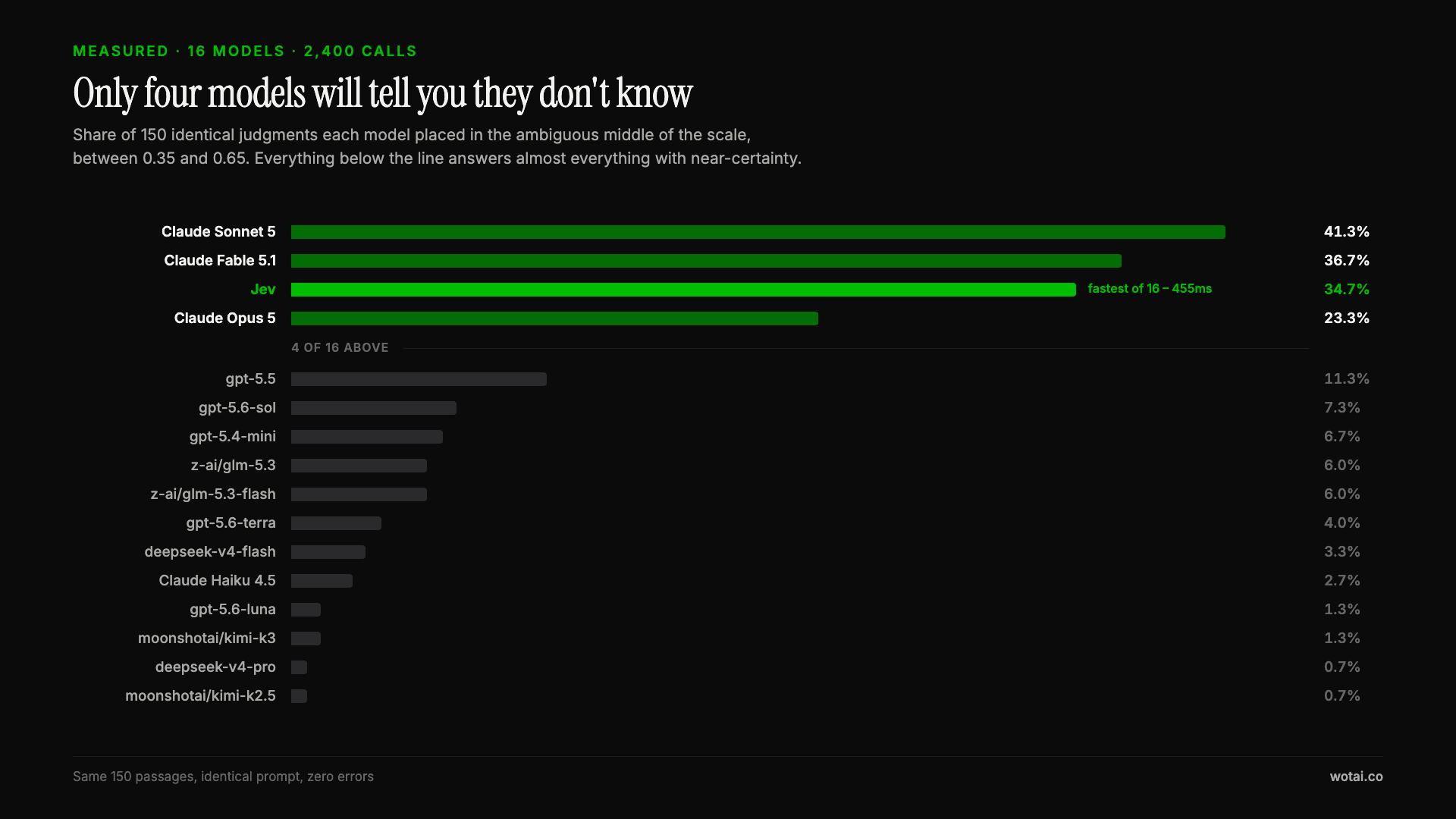
Jev is the only sub-second model that will tell you it doesn't know
Sixteen models on the same 150 passages, plus two more tasks. Only four of the sixteen will say they are unsure, and Jev is the only one of those four that answers in under a second.
AGENTS.md vs CLAUDE.md: which file your agent actually reads
Both files in one repo, measured: load order, token cost, and which one wins when they disagree. Every guide explains the difference; this one runs the test.
Compound engineering vs Superpowers: what each one installs
Both Claude Code plugins installed and measured: 14 skills against 33, one SessionStart hook against none, and the six skills that collide when you run both.