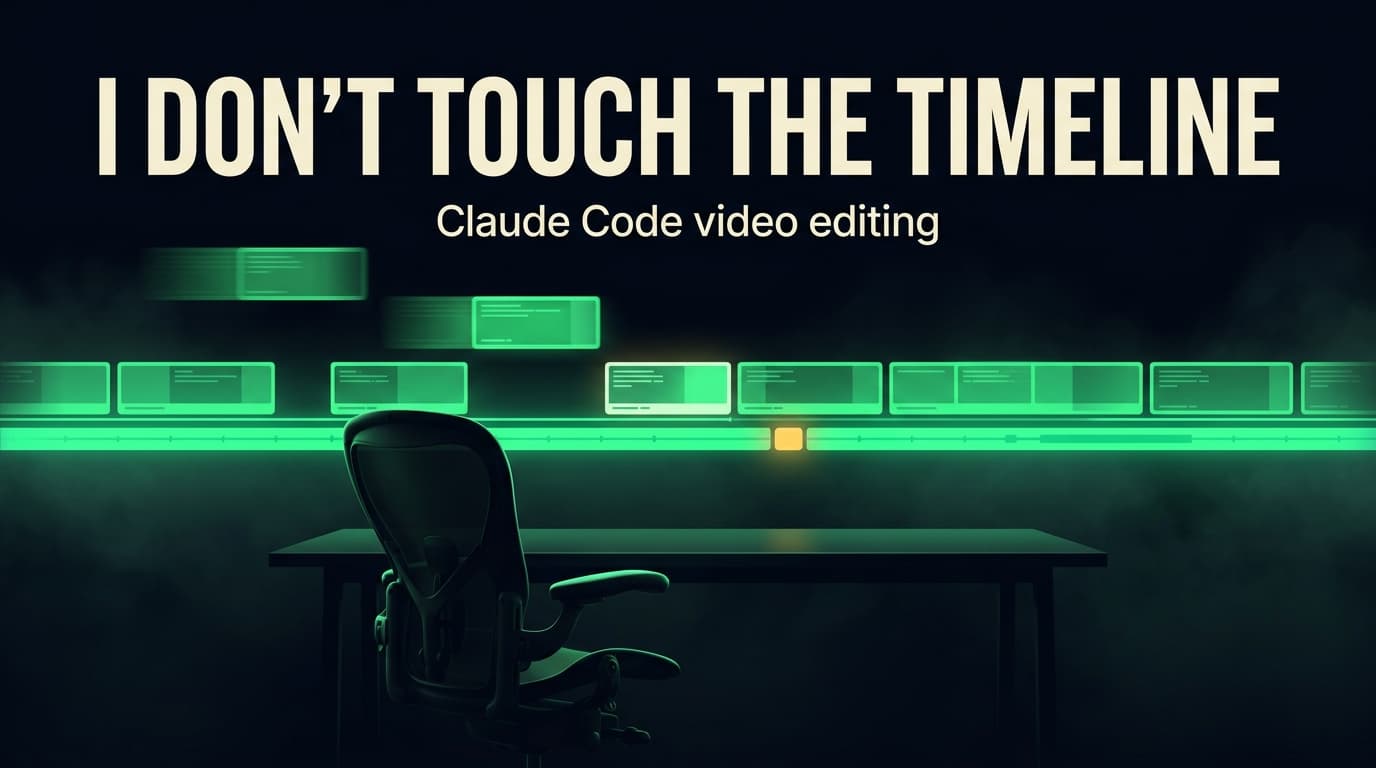
Last updated: August 20, 2026
TL;DR
Claude Code video editing works by connecting an agent to a timeline-native editor over MCP, so the agent reads the project state and makes real edits – placing clips, splitting footage, restyling captions – instead of handing you a rendered file to accept or reject. The setup below does professional-grade short-form assembly without me opening a timeline. The part nobody mentions is that an agent with timeline access still needs to be told what to build, and that specification is most of the work. Here's the whole thing, including what stayed manual.
The thing I'd been waiting years for
I have wanted this specific setup for a long time. Not "AI that makes a video" – that has existed for a while and it produces content nobody asked for. I wanted the thing an actual editing team does: you hand over the footage and the intent, and someone who knows the house style does the assembly.
The tools finally got good enough. Not incrementally. The gap between "AI suggests an edit" and "AI performs the edit on a real timeline you can then open and inspect" is the entire difference, and it closed this year.
Here's what changed, concretely.
Why this became possible
Most AI video tools are black boxes. Footage goes in, a finished file comes out, and if the third cut is wrong your options are regenerate and hope, or export and fix it by hand. There's no timeline to reach into, so there's no collaboration – just a slot machine.
Palmier Pro is built the other way around. It's a free, open source macOS editor from a Y Combinator company, and it exposes its timeline as an MCP server on localhost. Any MCP-capable agent can connect: Claude Code, Codex, Cursor. Claude Code is what I use, so that's what I'll describe, but nothing here is Claude-specific.
What that buys you is not "generate me a video." It's a working loop:
- the agent reads the actual project state – tracks, clips, frame positions, caption groups
- it makes a specific edit and gets back a delta describing what changed
- it inspects the result and corrects itself
- and the whole time, the project is sitting there in a real editor I can open
That last point is the one that matters. The output is a project file, not a black-box render. Every decision is inspectable and every mistake is fixable in place – by me, or by asking again.
Palmier isn't the only option. Daydream is built on the same premise: a desktop editor with a real timeline, a local MCP server, direct Claude Code and Codex support, and footage that stays on your device. It also ships built-in transcription and an in-app chat, so there are fewer moving parts if you'd rather not wire a separate transcript layer yourself.
One thing to price out before you commit to either. Daydream's free tier meters MCP calls – 100 a month at the time of writing, with Pro at $16/month billed yearly – and agent-driven assembly is call-hungry. Placing clips, splitting footage at layout boundaries, styling captions, and inspecting the timeline back can run to dozens of calls for a single clip. Count your clips per month before you pick a tier. Palmier is free and open source, which is what tipped it for me, but Daydream's bundled transcription genuinely simplifies Layer 1 below.
There's a YouTube video making the rounds titled "Forget Claude: This Video Editing Tool Automates 70% of Your Editing," arguing Claude isn't the answer because it's not beginner-friendly and it's expensive. On the first point, fair – this is not a one-click setup. On the second, it depends entirely on what you're comparing against. And on the substance, I'd push back: 70% automation of the tedious parts is a different product from an agent that assembles a designed edit against a spec. Those tools are removing silences. This is doing the build.
What "an editing team" actually means here
The honest version, because "AI does my editing" oversells it in a way that will waste your afternoon.
An agent with timeline access is an extremely capable, extremely literal junior editor who has never seen your work. It will place a clip at exactly the frame you name. It will not know that the top half of your frame should never sit empty, or that captions belong on the seam, or that a proof shot needs three seconds because the viewer has to actually read a receipt.
So what you actually get is not "the agent edits the video." It's:
I specify the edit once, as data. The agent performs it every time, on every clip, without me opening a timeline.
That's a real editing team. A team doesn't read your mind either – it works from a brief and a house style. The whole system below is the brief and the house style, written in a form an agent can execute.
The rule that makes it work: selection is not rendering
The thing that decides what a moment needs has to be separate from the thing that produces it.
When a line of narration needs "a visual that makes a number feel large," that's a selection. Producing an animated card at 1080x960 with the right typography is rendering. Conflate them and every clip becomes bespoke, because you end up designing in the middle of an edit – the worst possible moment for design judgment, and the exact thing an agent is worst at.
Split them and both halves get better. Selection becomes a small reviewable decision, a line of data: this spoken role gets that visual job, held roughly this long. Rendering becomes a catalog problem: assets built once, deliberately, at the correct native size, and reused.
This is also what makes the agent useful rather than dangerous. Selections are cheap to review and cheap to correct. If I had the agent designing graphics on the fly, I'd be reviewing pixels instead of decisions.
Everything below is downstream of that split.
Layer 1: one transcript, one authority
The transcript is the spine. Not the footage – the transcript. Cuts land on word boundaries, captions inherit word timing, and every visual decision is keyed to a line of speech.
Which makes the failure mode obvious once you've hit it: two transcripts. Cut against one transcription, generate captions from a second, and they disagree by a few frames per word. The highlighted caption word drifts out of sync and nothing looks broken enough to diagnose quickly. It just feels cheap.
So the rule is one authority, declared before the timeline opens. That layer lives in Descript – corrected transcript, word-level timing, exports as SRT or VTT. Everything downstream inherits that timing. The editor's own transcription is the documented fallback, not a second opinion.
The product matters less than the discipline. Pick one source and never regenerate from another mid-edit, whichever tool you land on.
Correct the transcript before anything else, for the things automatic transcription reliably breaks: product and model names (Claude Code and AGENTS.md both came back wrong on my first pass), every number, unit, date, and price, proper nouns and URLs, and punctuation where it changes how a phrase groups. That last one matters more than it sounds, because punctuation is where caption lines break.
Layer 2: tag every line by the job it does
This is the layer that makes the rest mechanical, and it's the one that makes an agent viable.
Once the transcript is locked, tag each retained line with the narrative job it performs – not what it's about. "He's talking about config files" is a topic, and topics tell you nothing about visual treatment. Whether that line is opening a curiosity gap, demonstrating something, or drawing an honest boundary tells you nearly everything.
So build a small vocabulary of jobs. Keep it short enough to hold in your head. Then write down, once, what each job asks of a visual: roughly how long it holds, whether it needs real screen evidence or the speaker's face, and whether it can carry an authored headline without burying something the viewer has to read.
That written mapping is the actual asset, and it's worth saying plainly that you should build your own rather than borrow one. Mine took several passes and a couple of rebuilds, and it encodes how I shoot, how fast I talk, and what I talk about. A mapping tuned to someone else's footage will quietly produce edits that feel a half-beat wrong and you won't be able to say why.
What matters structurally is that the mapping lives as data, not as a habit in someone's head. That's precisely why an agent can execute it, and it's the same reason durable process belongs in a file rather than in your memory.
One caution: it's a default, not permission to ignore the footage. If a viewer needs three seconds to read a dense receipt, give them three seconds. If a punctuation insert reads in 0.4, don't stretch it to two because a rule said so.
Layer 3: pick one recipe and commit
A recipe is the narrative spine for the whole clip: reversal then proof then caveat then rule, or result then receipt then process then implication. It comes from the viewer's reason to stay, not from which graphic looks nice.
Pick one. Borrowing a beat from another spine is fine. Combining three produces a clip that promises three things and pays off none, which reads as busy, and busy is indistinguishable from pointless at two seconds in.
Layer 4: hand the agent a layout contract
Now the agent has something to execute against. The layout is a written contract rather than a habit – mine puts motion in the top half, a centered face crop in the bottom half, and captions on the seam. Yours can be anything, but write it down, because the value is that every clip resolves the same collisions the same way:
- one primary visual owns each span of time
- a real proof screen never gets a competing headline over the evidence
- the top-half asset and the bottom-half face segment start and end together
- authored overlays carry hooks and labels, captions carry the spoken words, and the same sentence never appears in both
Layer order, top to bottom: captions and authored text, then proof screens and motion, then face footage, then one audio track.
With that in hand, the agent does the assembly: places every clip at its frame, splits the face footage at each layout boundary, mutes the tracks that must stay silent, applies caption styling per beat, and inspects the timeline back to confirm none of it collided. I read the result and correct decisions, not pixels.
The rules that came from breaking things
Four of these cost me a rebuild each. They're the reason the system has rules instead of preferences – and like the incident-earned lines in a CLAUDE.md, they're worth keeping word for word, because nothing about the setup makes them rediscoverable.
One dialogue track, at 1x. Motion assets, B-roll, and the face crop all get muted. Exactly one clip carries authoritative audio. Duplicate audio isn't loud – it's a subtle phasing you hear as "something's off" without locating it, and it survives a screenshot review perfectly. An agent will happily import six assets that each carry their own audio.
Build half-height assets at half height. Shrinking a 1080x1920 design into a 1080x960 slot halves the type size along with everything else, and vertical video is watched on a phone. Composing natively for the slot is a different design, not a resize.
Never leave the top slot empty. When a top-half asset ends and the next hasn't started, you get a black band above a face for a few frames. It looks like a rendering bug. Split the face footage at every layout boundary so the transitions are explicit.
A screenshot is not verification. This generalizes well past video, and it's the single most important rule when an agent is doing the work. Confirming a state by looking at a preview is how you ship something whose underlying data never saved. Read the state back from the thing that owns it.
There's a fifth I'd call a footgun rather than a rule: correcting the text of an individual caption clears that caption's per-word timing. The fix is fine – set the corrected phrase to a solid color and let the uncorrected ones keep the animated word highlight – but you have to know it happened, because the caption still looks right.
What stays human
Three things, and I expect them to stay that way.
Choosing the passage. Finding the 45 seconds worth cutting out of 90 minutes is editorial judgment about what's actually interesting. Automatic highlight detection finds moments that are loud, which is a different thing.
Duration inside a beat. The recipe supplies a target range. The speaker's real cadence overrides it every time.
Anything that fabricates content. The clips are cut from real recordings with the real audio at normal speed. Generated dialogue would break the only thing short-form has going for it, which is that it's obviously a person saying something they meant.
What it produced
The first full run took a 47-second passage out of a long-form recording and produced a vertical clip with six top-half motion beats, a centered face crop below, captions on the seam, and a short embedded cover frame at the front for the platform thumbnail. One dialogue track. No empty spans, no overlapping visuals. I did not open the timeline to build it.
The honest accounting: writing the catalogs and the decision data took considerably longer than editing the first several clips by hand would have. That's the normal shape of this trade. The payback is that clip 12 costs what clip 11 cost, which was never true before – and the marginal clip is now a conversation instead of an afternoon.
One part is still open, and it's unglamorous: the derived render assets from the first build are sitting in a temporary directory the operating system will eventually clear, which is its own small lesson about treating intermediate artifacts as disposable when they're actually inputs.
If you take one thing: the agent is not the hard part anymore. The specification is. Decide what a moment needs, separately from making the thing that fills it, write it down where a machine can read it, and the assembly stops being your job.
I write these systems up as they get built, failures included. Subscribe to the newsletter if you want them as they land.
Frequently asked questions
Can Claude Code edit videos?
Yes, when it's connected to a timeline-native editor over MCP. Claude Code can't manipulate video on its own, but Palmier Pro exposes its macOS timeline as a local MCP server, so the agent reads project state and performs real edits – placing clips, splitting footage, styling captions – on a project file you can open and inspect.
How do I connect Claude Code to a video editor?
Install Palmier Pro and enable its MCP server from the app's Help menu, which registers a local endpoint. Any MCP-capable client connects to it, including Claude Code, Codex, and Cursor. No account is required, and the timeline stays local on your machine.
Can Codex or Cursor do this too?
Yes. The integration is MCP, not a Claude-specific API, so any agent that speaks MCP can drive the same timeline. Claude Code is what I use, but the setup and the specification work below are identical regardless of which agent is connected.
What are the alternatives to Palmier for agent-driven editing?
Daydream is the closest peer: desktop editor, real timeline, local MCP server, Claude Code and Codex support, footage staying on your device. It bundles transcription, which Palmier does not, but meters MCP calls on the free tier. Palmier is free and open source. Both are local-first.
Is AI video editing actually good enough to replace an editor?
Not for judgment, and probably not soon. An agent is excellent at executing a specification across a timeline and poor at deciding which 45 seconds of a 90-minute recording deserve a clip. Treat it as an editor who executes flawlessly and has never seen your work.
What is MCP and why does it matter for video?
MCP is a protocol that lets AI agents call tools and read state from other applications. For video it's the difference between generating a file you accept or reject, and operating a real timeline you can inspect, correct, and re-run. It turns a black box into a working loop.
Why does caption timing drift out of sync?
Almost always because two different transcriptions are in play – one used for the cuts, another for the captions. They disagree by a few frames per word. Pick one transcript as the authority before you open the timeline and never regenerate captions from a second source mid-edit.
What size should motion graphics be for vertical video?
Whatever size the slot is, composed natively at that size. A graphic designed for a full 1080x1920 frame and scaled into a half-height slot halves its type along with everything else, which is unreadable on a phone. A half-height design is a separate composition, not a resized one.
Do I need a graphics library before an agent can edit for me?
You need something for it to select from. The architecture works with three graphics or three hundred, but the agent has to be choosing among prepared assets rather than inventing them. A tiny catalog with a written selection rule beats a large one nobody documented.
Stop guessing. Score your first workflow.
Score one workflow in about five minutes. Nine questions, a grade, and the specific gap holding it back - no call required.
Related Posts
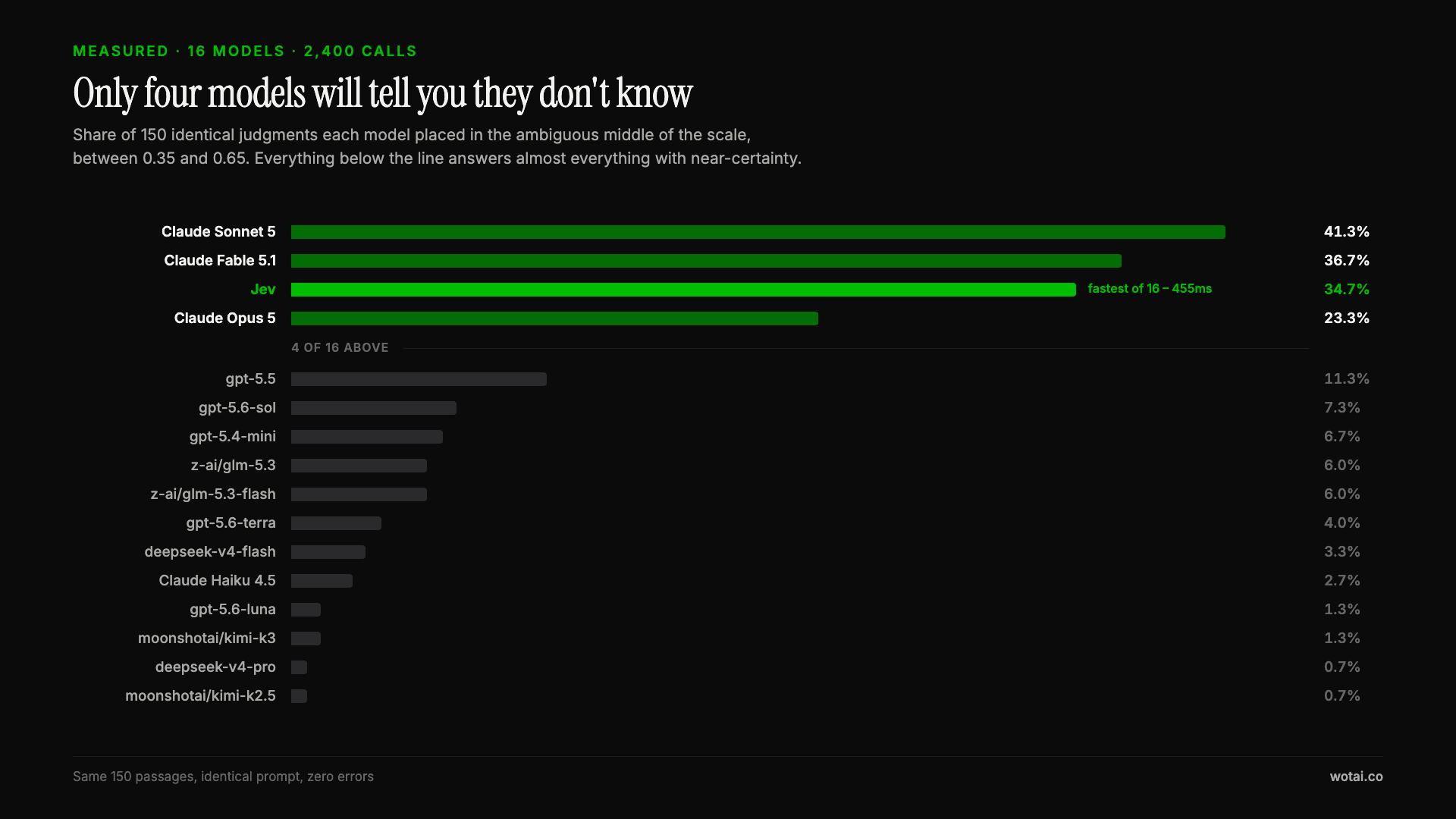
Jev is the only sub-second model that will tell you it doesn't know
Sixteen models on the same 150 passages, plus two more tasks. Only four of the sixteen will say they are unsure, and Jev is the only one of those four that answers in under a second.
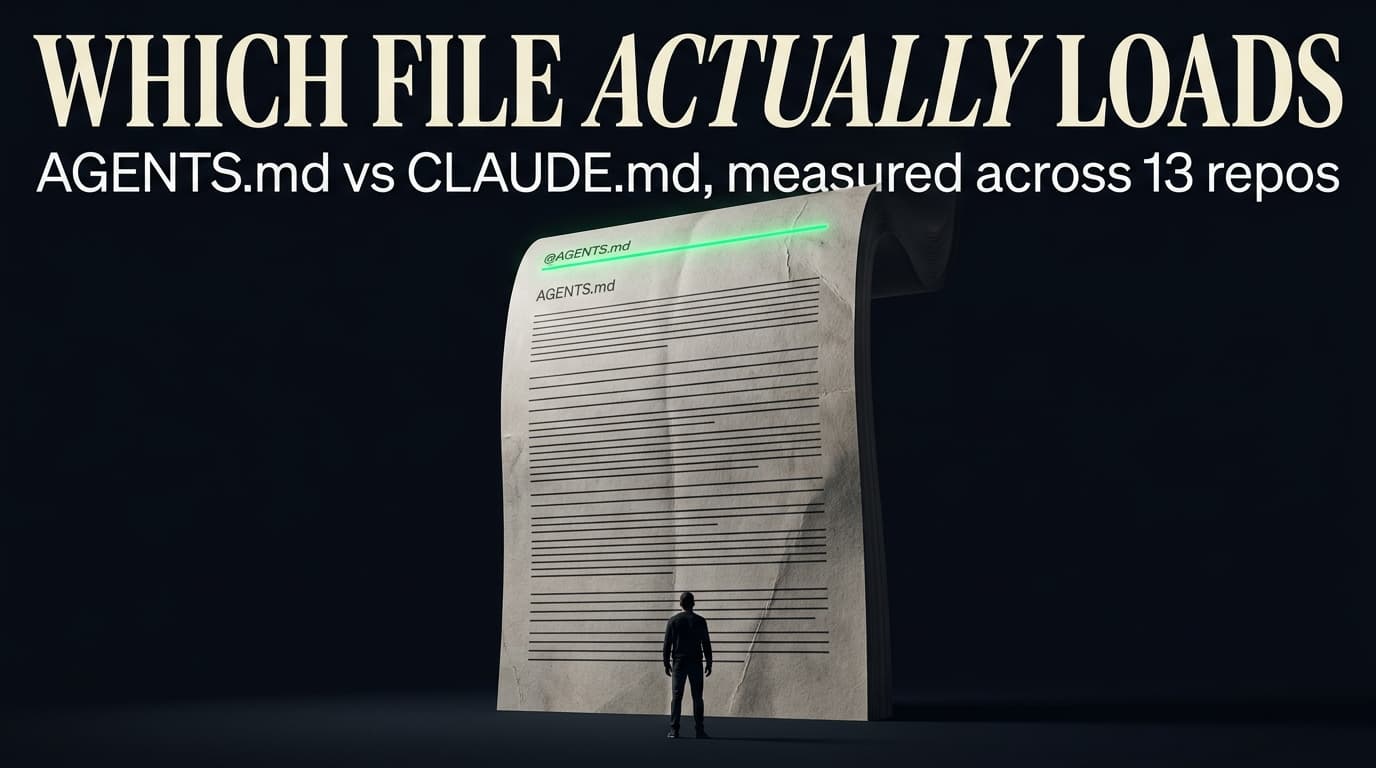
AGENTS.md vs CLAUDE.md: which file your agent actually reads
Both files in one repo, measured: load order, token cost, and which one wins when they disagree. Every guide explains the difference; this one runs the test.
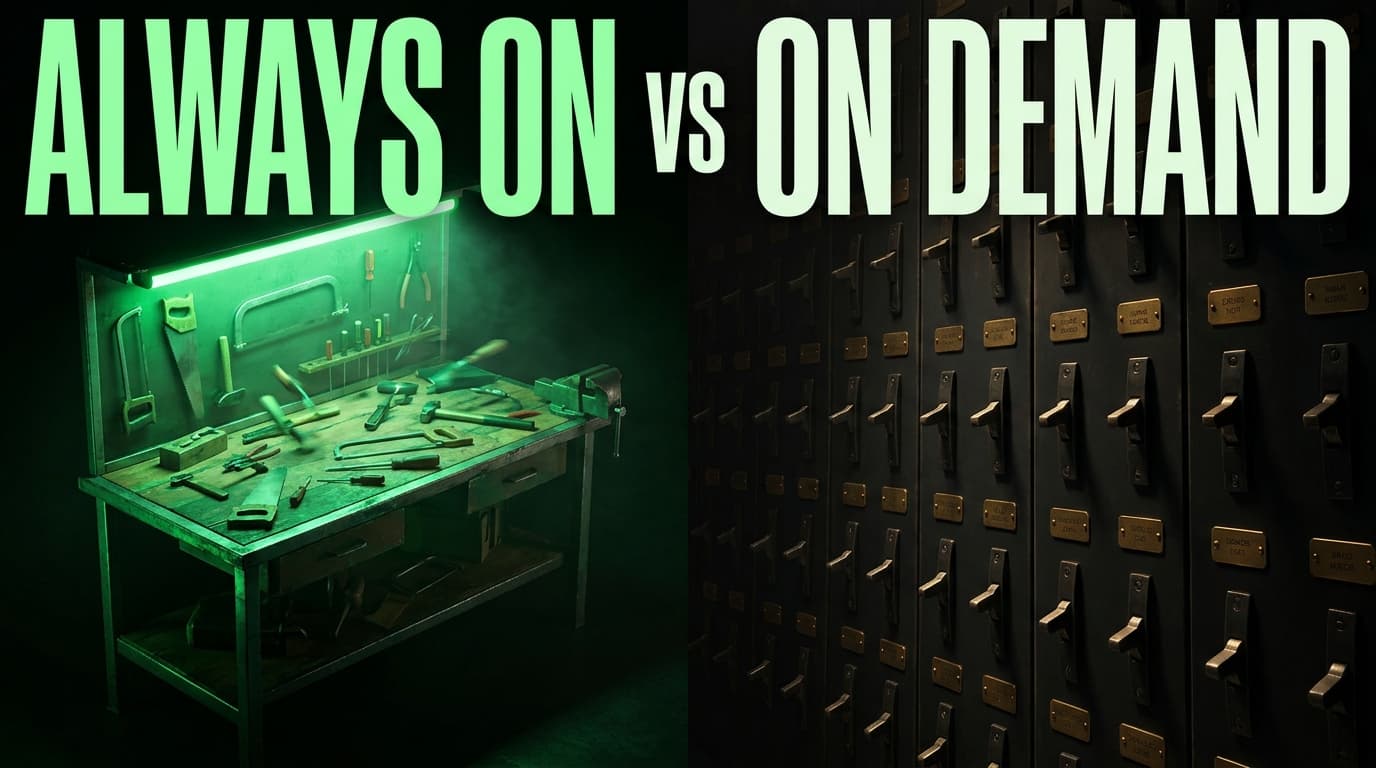
Compound engineering vs Superpowers: what each one installs
Both Claude Code plugins installed and measured: 14 skills against 33, one SessionStart hook against none, and the six skills that collide when you run both.