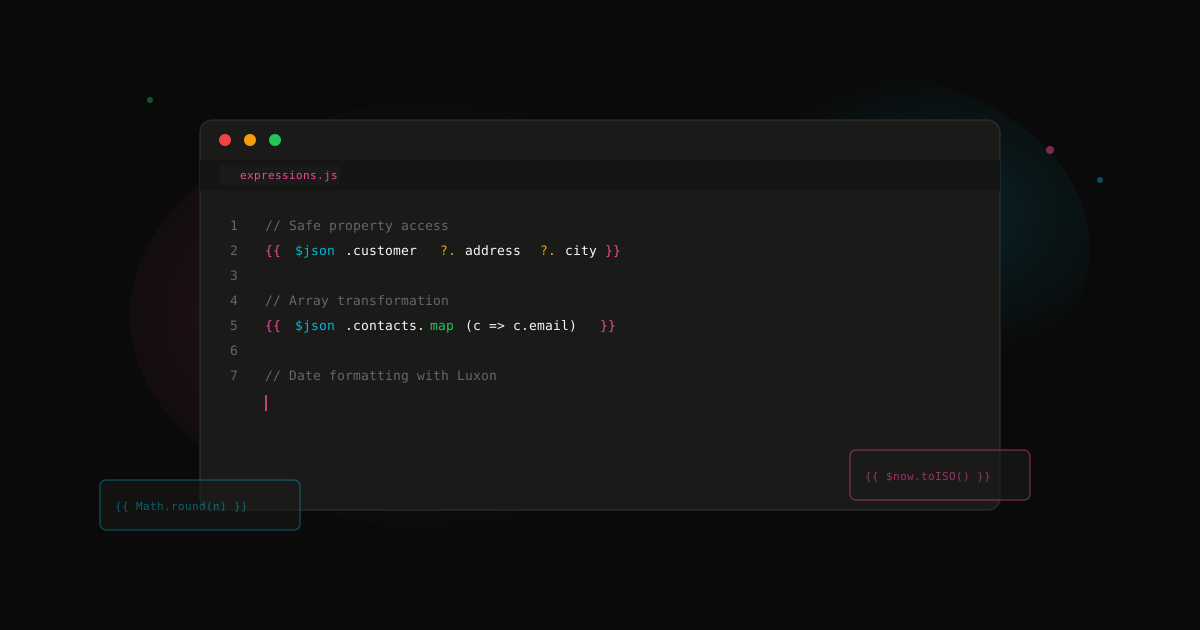
7 n8n expression tricks that will save you hours
n8n expressions are powerful but the docs don't cover everything. Here are patterns we use constantly.
1. Safe property access
Don't let missing data crash your workflow:
// Bad - crashes if customer or address is undefined
{{ $json.customer.address.city }}

// Good - returns undefined safely
{{ $json.customer?.address?.city }}

// Better - provide a default
{{ $json.customer?.address?.city ?? 'Unknown' }}
2. Transform arrays in one expression
Need to extract a field from every item in an array?
// Get all email addresses from a list of contacts
{{ $json.contacts.map(c => c.email) }}

// Filter and map together
{{ $json.items.filter(i => i.active).map(i => i.name) }}
3. Conditional text without IF nodes
Sometimes you need different text based on a condition:
// Ternary for simple cases
{{ $json.status === 'vip' ? 'Priority support' : 'Standard support' }}

// Template literals for complex messages
{{ `Hello ${$json.name}, your ${$json.items.length} items are ready.` }}
4. Date formatting without a Code node
n8n uses Luxon for dates:
// Current timestamp
{{ $now.toISO() }}

// Format a date field
{{ DateTime.fromISO($json.created_at).toFormat('MMM d, yyyy') }}
// Output: "Dec 27, 2025"

// Relative time
{{ DateTime.fromISO($json.created_at).toRelative() }}
// Output: "2 days ago"
5. Access data from other nodes
You're not limited to the previous node:
// Get data from a specific node
{{ $('HTTP Request').item.json.id }}

// Get all items from a node (useful after splits)
{{ $('Get Users').all().map(i => i.json.email) }}

// First item only
{{ $('Webhook').first().json.body }}
6. Clean up strings
// Trim whitespace
{{ $json.name.trim() }}

// Lowercase for comparison
{{ $json.email.toLowerCase() }}

// Extract domain from email
{{ $json.email.split('@')[1] }}

// Remove special characters
{{ $json.input.replace(/[^a-zA-Z0-9]/g, '') }}
7. Work with numbers
// Round to 2 decimal places
{{ Math.round($json.price * 100) / 100 }}

// Sum an array of numbers
{{ $json.items.reduce((sum, i) => sum + i.amount, 0) }}

// Format as currency (simple version)
{{ '$' + $json.total.toFixed(2) }}
Bonus: Debug expressions
When an expression isn't working, wrap it to see what's happening:
// See the actual value
{{ JSON.stringify($json.mystery_field) }}

// Check the type
{{ typeof $json.field }}

// See all available fields
{{ Object.keys($json) }}
These patterns come up in almost every project. Save yourself the debugging time.
Stop guessing. Score your first workflow.
Score one workflow in about five minutes. Nine questions, a grade, and the specific gap holding it back - no call required.
Related Posts
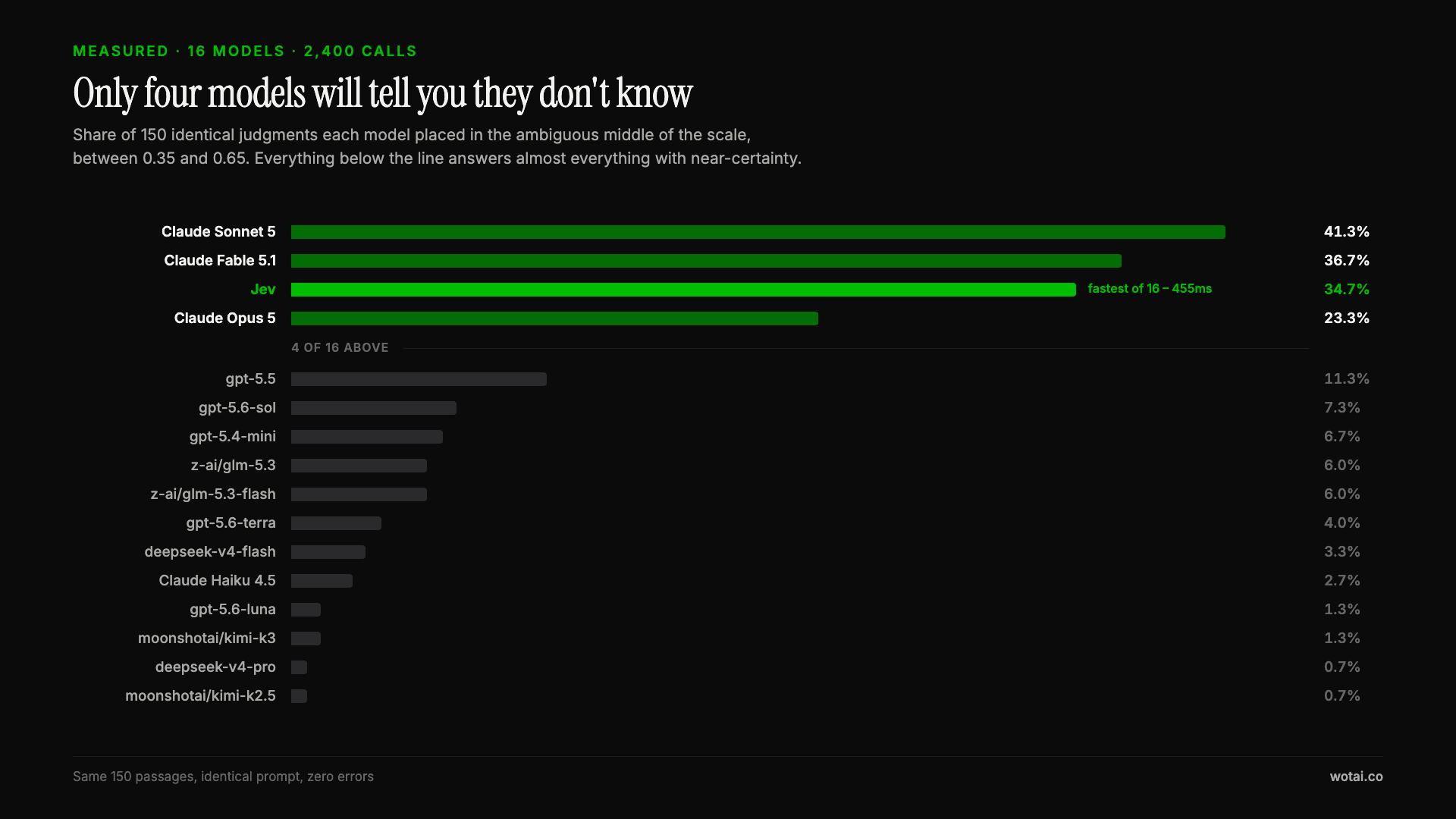
Jev is the only sub-second model that will tell you it doesn't know
Sixteen models on the same 150 passages, plus two more tasks. Only four of the sixteen will say they are unsure, and Jev is the only one of those four that answers in under a second.

AGENTS.md vs CLAUDE.md: which file your agent actually reads
Both files in one repo, measured: load order, token cost, and which one wins when they disagree. Every guide explains the difference; this one runs the test.

Compound engineering vs Superpowers: what each one installs
Both Claude Code plugins installed and measured: 14 skills against 33, one SessionStart hook against none, and the six skills that collide when you run both.