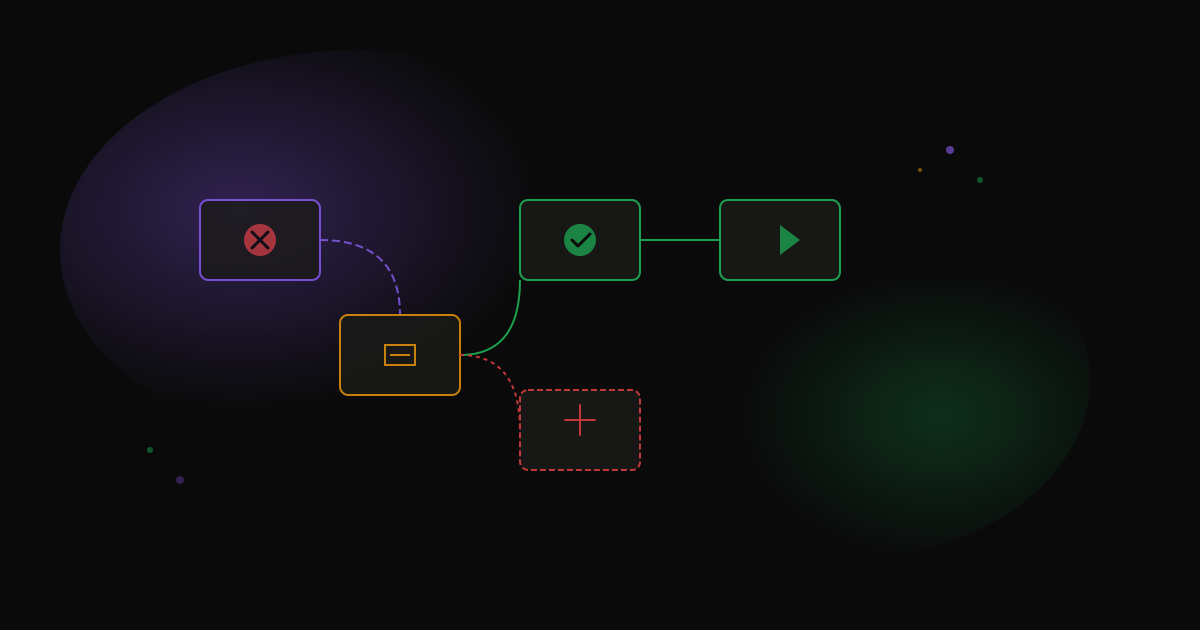
Error handling patterns that actually work in production
Most n8n tutorials skip error handling. That's fine for demos. But when a workflow runs 10,000 times a day, you need it to fail gracefully.
Here's what we've learned from 300+ production workflows.
The problem with default behavior
By default, when a node fails in n8n, the whole workflow stops. That's often not what you want.
Imagine you're processing 500 leads. Lead #47 has a malformed email. Should the other 453 leads get stuck? No.
Pattern 1: Continue on fail
The simplest fix. On any node, enable "Continue On Fail" in settings. The workflow keeps running even if that node errors.
// The failed item gets an error property you can check
if ($input.item.json.error) {
  // Handle the error case
  return { success: false, reason: $input.item.json.error.message };
}
When to use: Processing batches where individual failures shouldn't stop everything.
Pattern 2: Try/catch with IF node
For more control, route errors explicitly:
- Enable "Continue On Fail" on the risky node
- Add an IF node after it
- Check for
$json.errorto route failures separately
This lets you:
- Log failures to a database
- Send alerts for certain error types
- Retry with different parameters
Pattern 3: Error workflow
n8n has a built-in error workflow feature. When any workflow fails, it triggers a separate workflow.
We use this for:
- Slack notifications to the team
- Logging to our monitoring system
- Auto-creating tickets for critical failures
Set it in Workflow Settings → Error Workflow.
Pattern 4: Graceful degradation
Sometimes the right response to an error is doing something simpler instead of failing.
Example: Your AI summarization fails because the API is overloaded. Instead of failing the whole workflow, fall back to extracting the first 500 characters.
// In a Code node after the AI node
const aiResult = $input.item.json;

if (aiResult.error) {
  // Fallback: just use the first 500 chars
  return {
    summary: $('Previous Node').item.json.content.substring(0, 500) + '...',
    method: 'fallback'
  };
}

return { summary: aiResult.text, method: 'ai' };
What we use on every project
- Error workflow for monitoring
- Continue on fail for batch processing
- Explicit try/catch for critical paths
- Fallbacks for non-essential features
The goal isn't to prevent errors. It's to handle them without waking anyone up at 3am.
Stop guessing. Score your first workflow.
Score one workflow in about five minutes. Nine questions, a grade, and the specific gap holding it back - no call required.
Related Posts
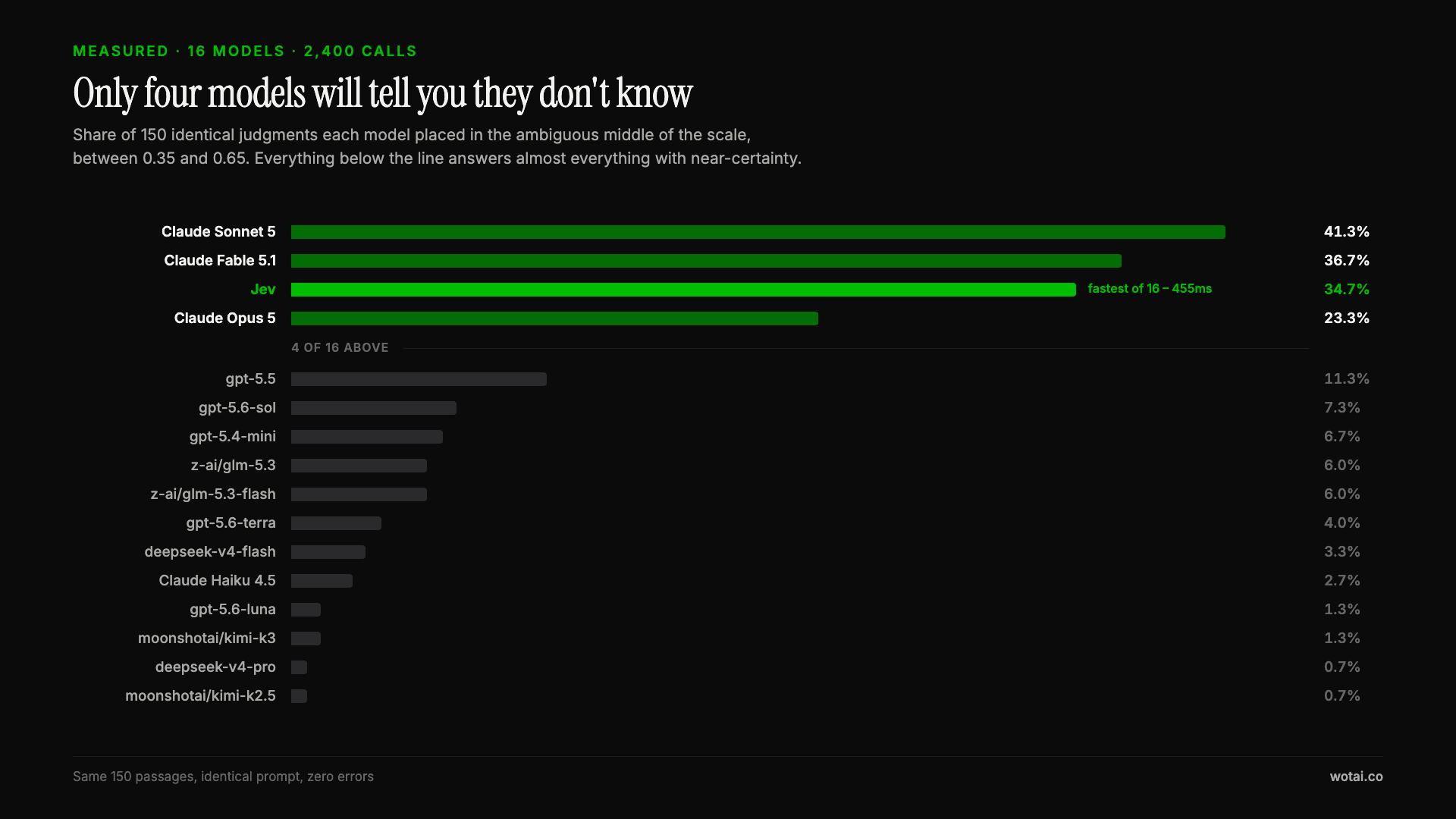
Jev is the only sub-second model that will tell you it doesn't know
Sixteen models on the same 150 passages, plus two more tasks. Only four of the sixteen will say they are unsure, and Jev is the only one of those four that answers in under a second.
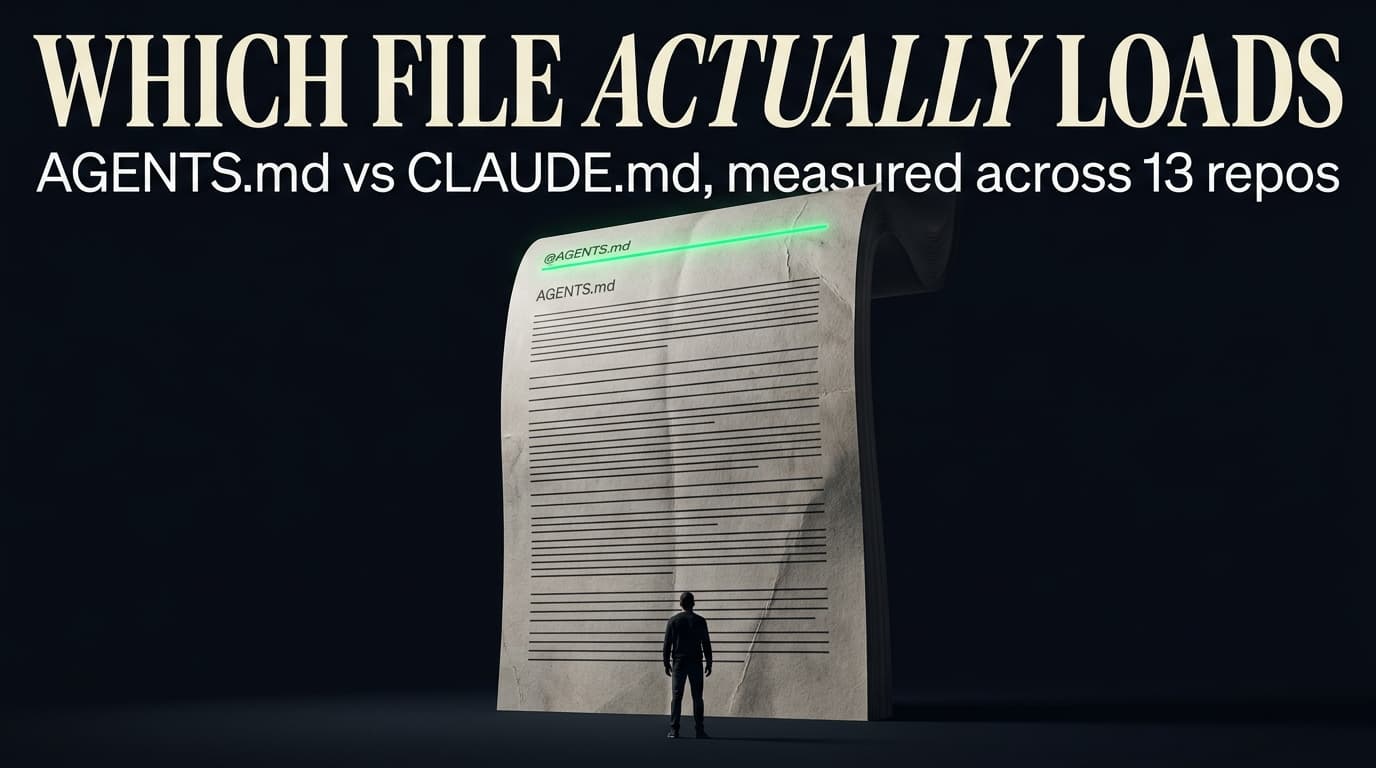
AGENTS.md vs CLAUDE.md: which file your agent actually reads
Both files in one repo, measured: load order, token cost, and which one wins when they disagree. Every guide explains the difference; this one runs the test.

Compound engineering vs Superpowers: what each one installs
Both Claude Code plugins installed and measured: 14 skills against 33, one SessionStart hook against none, and the six skills that collide when you run both.