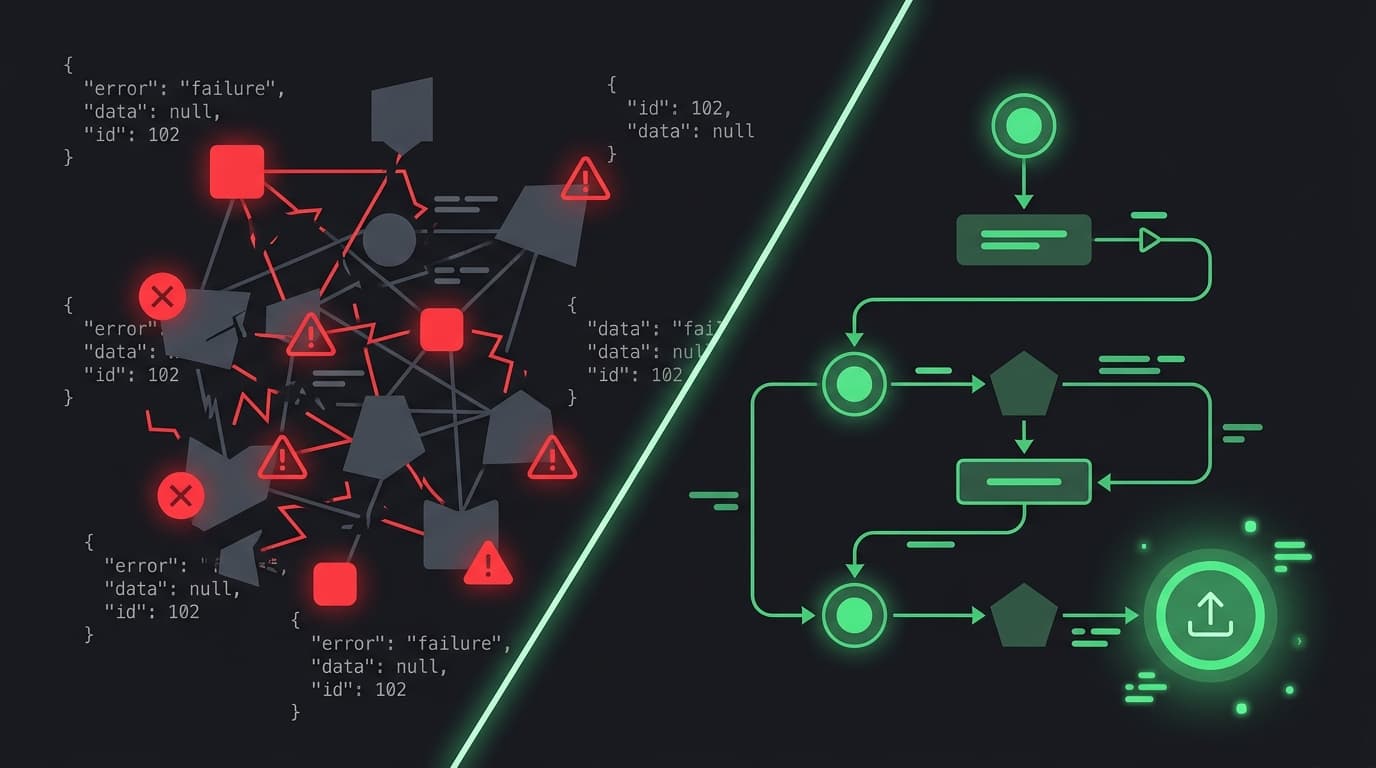
You know exactly what you want your n8n workflow to do. The bottleneck isn't the idea - it's the implementation.
Drag a node. Configure the headers. Google the expression syntax. Debug the connection. Repeat for three hours. Sound familiar?
Here's the thing: that automation logic you mapped out in your head? It takes five minutes to think through. Building it in n8n takes the rest of the afternoon.
We built WotAI Flow to close that gap.
What Flow actually does
Flow is an AI n8n workflow generator. You describe what you need in plain English, and Flow produces validated n8n workflow JSON that you can import directly into your instance.
It's not a chatbot. It's a structured, multi-step wizard built specifically for n8n, with deep knowledge of real node types, current API versions, and proper connection patterns.
The difference between Flow and asking ChatGPT to generate a workflow? ChatGPT gives you a starting point you'll spend hours fixing. Flow gives you a workflow that's 70-99% complete on the first try.
The walkthrough: idea to workflow in under 5 minutes
Here's the full process from start to finish:
Let's build something real. Say you want a Slack notification every time a new lead comes in through a webhook.
Here's how that works in Flow:
Step 1: Describe your automation
Open Flow and type what you need:
"When a webhook receives a new lead, send a Slack message to #sales with the lead's name and email"
Plain English. No JSON, no node configuration, no dragging anything.
Step 2: Flow breaks it down with a guided wizard
Flow doesn't try to generate everything in one shot. That's what ChatGPT does, and that's why ChatGPT's output breaks.
Instead, Flow walks you through a structured, multi-step wizard:
- Brief - You describe what you want to automate
- Expand - AI analyzes your brief, maps the trigger type, processing steps, and estimated complexity. You can review and adjust before moving on.
- Data Mapping - Configure the trigger schema (what data comes in) and how it gets transformed between steps
- Services - Pick the integrations your workflow needs (Slack, HTTP Request, Google Sheets, etc.). Flow suggests services based on your brief, but you choose.
- Generate - Review the full configuration summary, then hit Generate. Flow produces validated n8n JSON with real node types and proper connections.
At each stage, you can go back and adjust. The wizard adapts.
Step 3: Export and import
Once the workflow is generated, download the JSON. Open n8n, go to Workflows > Import from file, and you're running.
On Growth plans and above, you can skip the download entirely and deploy directly to your n8n instance with one click.
Total time from idea to working workflow: typically 3-4 minutes, depending on how much you customize at each step. Compare that to the hours you'd spend building the same thing manually.
Why wizard-based generation beats raw prompting
If you've tried asking ChatGPT or Claude to generate n8n workflows, you've hit these problems:
Hallucinated node names. LLMs make up nodes that don't exist in n8n. You get a "GoogleSheetsEnhanced" node that sounds right but doesn't import. Flow validates every node against real n8n types.
Invalid JSON. Raw LLM output frequently produces JSON that won't parse, let alone import. Broken connections, missing fields, wrong data structures. Flow's output is structurally valid because the wizard enforces correct patterns at each step.
Outdated APIs. Models trained on older data use deprecated connection patterns and API versions. Your workflow imports but fails at runtime. Flow uses current n8n node schemas.
No iteration path. With ChatGPT, every tweak means starting over. With Flow, your workflows are stored. You can version them, iterate on specific sections, and build on what already works.
Here's what the difference looks like in practice:
| ChatGPT / raw LLM | Flow | |
|---|---|---|
| Input | Single prompt, describe everything at once | Multi-step wizard, asks the right questions |
| Node names | Hallucinated - makes up nodes that don't exist | Validated against real n8n node types |
| JSON output | Often invalid, broken connections | Valid, importable JSON with proper connections |
| API versions | Whatever was in training data | Current n8n API versions and patterns |
| Completeness | 40-60% usable | 70-99% complete |
| Iteration | Start over each time | Stored workflows, iterate and version |
Five workflows you can build right now
Not sure where to start? Here are real n8n workflow examples that Flow handles well:
1. Lead scoring and routing
Trigger: Webhook receives form submission Steps: Enrich with company data, score based on criteria, route to the right Slack channel or CRM pipeline Time saved: 2-3 hours of manual n8n configuration
2. Content publishing pipeline
Trigger: New row in Google Sheets or Airtable Steps: Format content, generate social posts, schedule via API, notify the team Time saved: 3-4 hours per workflow
3. Customer onboarding sequence
Trigger: New user signup via webhook Steps: Send welcome email, create CRM contact, add to email sequence, notify customer success Time saved: 2-3 hours
4. Error monitoring and alerting
Trigger: Scheduled check or webhook from monitoring service Steps: Parse error data, check severity threshold, create ticket in Linear/Jira, send Slack alert Time saved: 1-2 hours
5. Invoice processing
Trigger: Email attachment received or file uploaded Steps: Extract data from PDF, validate against records, create entry in accounting tool, send confirmation Time saved: 3-5 hours
Each of these would take an afternoon to build manually in n8n. With Flow, you'll have a working starting point in minutes.
How Flow compares to other n8n tools
Flow isn't the only tool in the n8n ecosystem. Here's where it fits:
n8n's built-in templates are great starting points, but they're generic. You still need to customize every node for your specific APIs, credentials, and business logic. Flow generates workflows tailored to your exact requirements.
n8n's own AI features (the AI beta builder) work within the n8n editor and are only available on n8n Cloud, not self-hosted instances. Flow works outside n8n as a standalone generation tool that works with any n8n instance. You describe what you need before touching the editor, which means you spend less time configuring and more time running.
GitHub workflow collections give you JSON to import, but you're browsing and hoping to find something close. Flow generates exactly what you described.
The analogy: Flow is to n8n workflows what Cursor is to code. Yes, you could paste your requirements into a general-purpose AI. But a purpose-built tool with deep n8n context produces dramatically better results.
Getting started
Every new account gets a 14-day reverse trial with full Starter-tier access, no credit card required. That's 10 generations to build real workflows and see the difference.
Here's the fastest path:
- Go to flow.wotai.co
- Sign up (takes 30 seconds)
- Click "New workflow" and describe what you need
- Walk through the wizard steps
- Export the JSON and import into n8n
If the first workflow saves you even one hour of manual building, Flow has already paid for itself.
Pricing that makes sense
Flow starts at $19/month for 10 workflow generations. That's less than a single hour of the time you'd spend building manually.
- Free: 1 generation/month, unlimited workflow storage
- Starter ($19/mo): 10 generations, all node types, generation history
- Growth ($69/mo): 40 generations, one-click n8n deploy, priority generation, 3 team seats
- Scale ($199/mo): 120 generations, priority deploy, API access, 10 team seats
Every plan includes a 14-day reverse trial with full Starter features. No credit card required. After 14 days, keep your free tier or pick a plan.
FAQ
What is an n8n workflow builder?
An n8n workflow builder is a tool that helps you create automation workflows for the n8n platform. Instead of manually dragging nodes and configuring connections in the n8n editor, a workflow builder generates the workflow structure for you. Flow is an AI-powered n8n workflow builder that produces validated JSON from plain English descriptions.
Can I use ChatGPT to generate n8n workflows?
You can, but the results are inconsistent. ChatGPT hallucinates node names that don't exist in n8n, produces invalid JSON, and uses outdated API versions. You'll typically get a 40-60% usable result that requires significant manual fixing. Flow's wizard-based approach generates 70-99% complete workflows with real node types and valid connections.
How accurate are Flow's generated workflows?
Flow generates workflows that are 70-99% complete depending on complexity. Simple workflows (webhook to Slack notification) are nearly production-ready. Complex workflows with custom logic may need 10-30 minutes of fine-tuning in the n8n editor. Either way, you're saving hours compared to building from scratch.
Does Flow work with self-hosted n8n?
Yes. Flow generates standard n8n workflow JSON that works with any n8n instance, cloud or self-hosted. Export the JSON from Flow and import it into your n8n editor. On Growth plans and above, you can also deploy directly to your n8n instance.
What types of n8n workflows can Flow generate?
Flow can generate workflows using any standard n8n node type: HTTP Request, webhooks, Slack, Google Sheets, databases, AI agents, conditional logic, loops, error handling, and more. If n8n supports the node, Flow can include it in a generated workflow.
Is Flow free to try?
Yes. Every new account gets a 14-day reverse trial with full Starter-tier access (10 generations), no credit card required. After the trial, you keep a free tier with 1 generation per month. Paid plans start at $19/month.
How is Flow different from n8n's built-in templates?
n8n templates are pre-built, generic starting points that you browse and customize. Flow generates workflows tailored to your specific requirements. You describe exactly what you need, and Flow builds it. Templates work for common patterns. Flow works for your unique automation logic.
Can I edit the workflow after Flow generates it?
Absolutely. Flow generates standard n8n JSON. Import it into your n8n editor and you have full control: add nodes, modify connections, change configurations, or extend the workflow however you need. Flow gives you the foundation; you customize the details.
Stop guessing. Score your first workflow.
Score one workflow in about five minutes. Nine questions, a grade, and the specific gap holding it back - no call required.
Related Posts
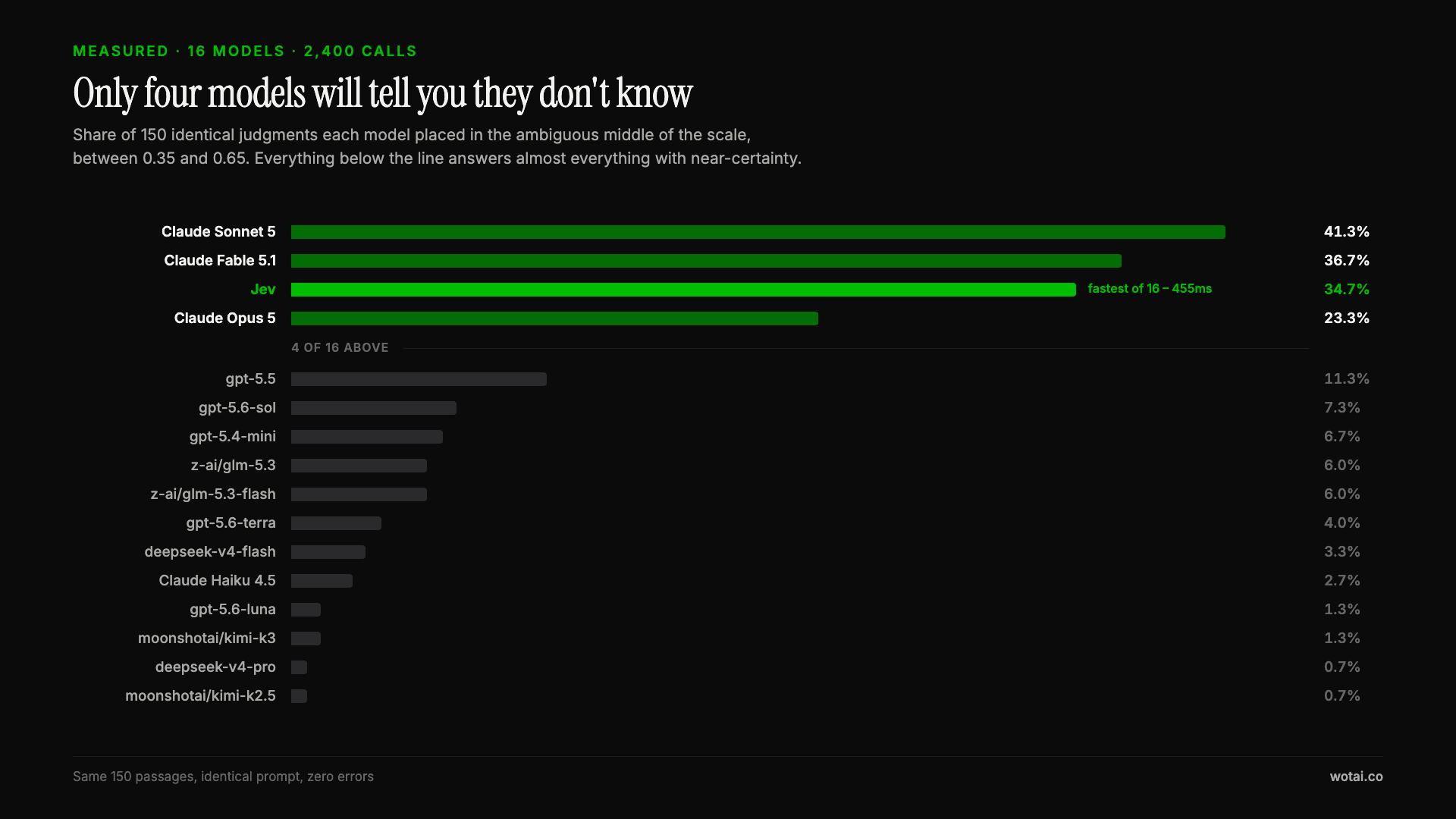
Jev is the only sub-second model that will tell you it doesn't know
Sixteen models on the same 150 passages, plus two more tasks. Only four of the sixteen will say they are unsure, and Jev is the only one of those four that answers in under a second.

AGENTS.md vs CLAUDE.md: which file your agent actually reads
Both files in one repo, measured: load order, token cost, and which one wins when they disagree. Every guide explains the difference; this one runs the test.

Compound engineering vs Superpowers: what each one installs
Both Claude Code plugins installed and measured: 14 skills against 33, one SessionStart hook against none, and the six skills that collide when you run both.